

Overview
Quick Navigation
If you are looking for some great tools which can help you find some relevant sites, then this article is for you. It discusses the best metasearch engines available on the internet today that have been proven to work extremely well by the many people using them. We hope that through this article, you will be able to figure out which of them will be the most appropriate tools for your use.

What is a MetaSearch Engine?
Metasearch engines are the new generation engines that get you directed to a page that shows you related queries like Google, Bing, or Yahoo. They are referred to as metasearch engines because of showing multiple search result pages.
Metasearch engines are used to search for other websites online. You’ve probably already heard of some of the big ones like Dogpile and Metacrawler, but did you know there are hundreds of metasearch engines? Some of which you might not even know about? So read through this article because we’ll be highlighting some of the best metasearch engines available.
How Do MetaSearch Engines Work?
A metasearch engine combines the results of other search engines into a single result. When a user inputs information, a metasearch engine queries multiple search engines for results and then displays them all to the user. It gathers and ranks the data that is provided to it, and presents a complete analysis to users.
What Does a MetaSearch Engine Do?
A Metasearch engine sends queries to other search engines and either organize the results into one master list or categorizes the results side by side. It saves time by integrating results from multiple search engines, and it also allows a user to see the best answer.

Features
- Search terms are grouped in such a way that after the users finish searching, they can immediately reach the results of the search
- You can group search terms by their word derivations or phrases to organize information into groups that make it easier to find information
- If you need to find similar terms to a keyword, you can search for it to see what other terms people commonly use
Pros and Cons
Pros
- You get far more contextual information using a metasearch engine than you would by using a single search engine
- If you rely on a single search engine to find information, you might be missing out on certain results
- Instead of using different search engines, you can save time by using the same one to search for everything
- Some metasearch engines have their algorithms for ranking pages based on their relevance and page authority
Cons
- Standard search engines are easier to use than metasearch engines
- Metasearch engines do not generate as many results as single search engines, which compromises the primary benefit of using them
- They’re not as good at interpreting queries as single search engines, and users have to keep the queries simple
- Sponsored results normally appear at the top of search results
Top Meta Search Engines Lists
Dogpile
https://www.dogpile.com/
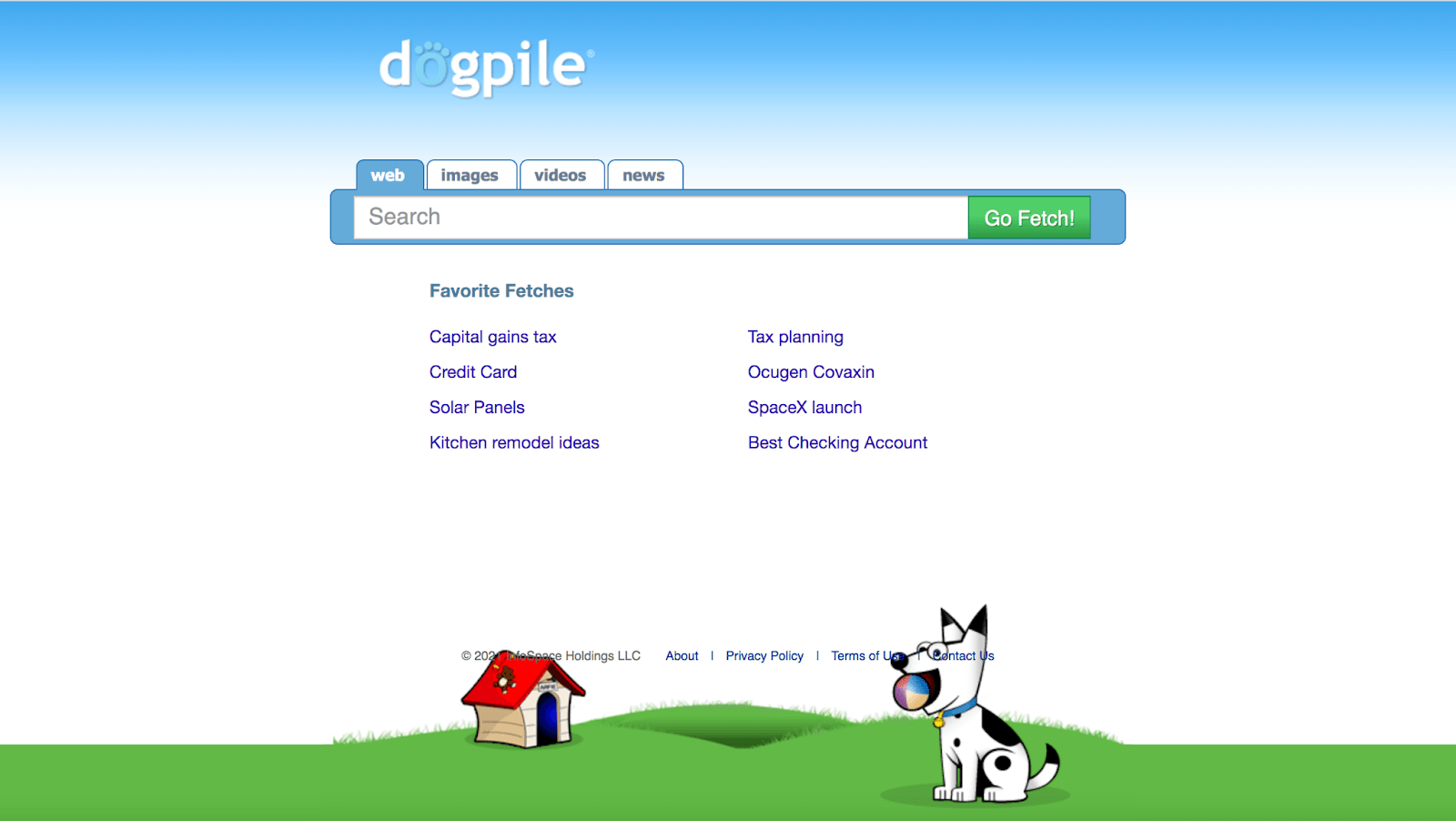
Dogpile, which is owned by InfoSpace, is one of the most popular metasearch engines. It transmits the query to several search engines, servers, and specialty search pages, and then shows the results from each search engine separately. You can also use this if you want to get a list of results from all of the main search engines.
Metacrawler
https://www.metacrawler.com/

Metacrawler is one of the most popular metasearch engines, despite having a simple user interface. It was founded in July 1995 and acquired by InfoSpace in February 1997, making it one of the oldest metasearch engines. Users may use it to look up news, videos, photos, white pages, and yellow pages. Many of the top search engines, including Yahoo!, Google, Bing, Ask.com, About.com, and others, were integrated with MetaCrawler.
Click here to get the lowest price on Surfshark through our exclusive limited-time offer.
Kartoo
http://www.kartoo.com/
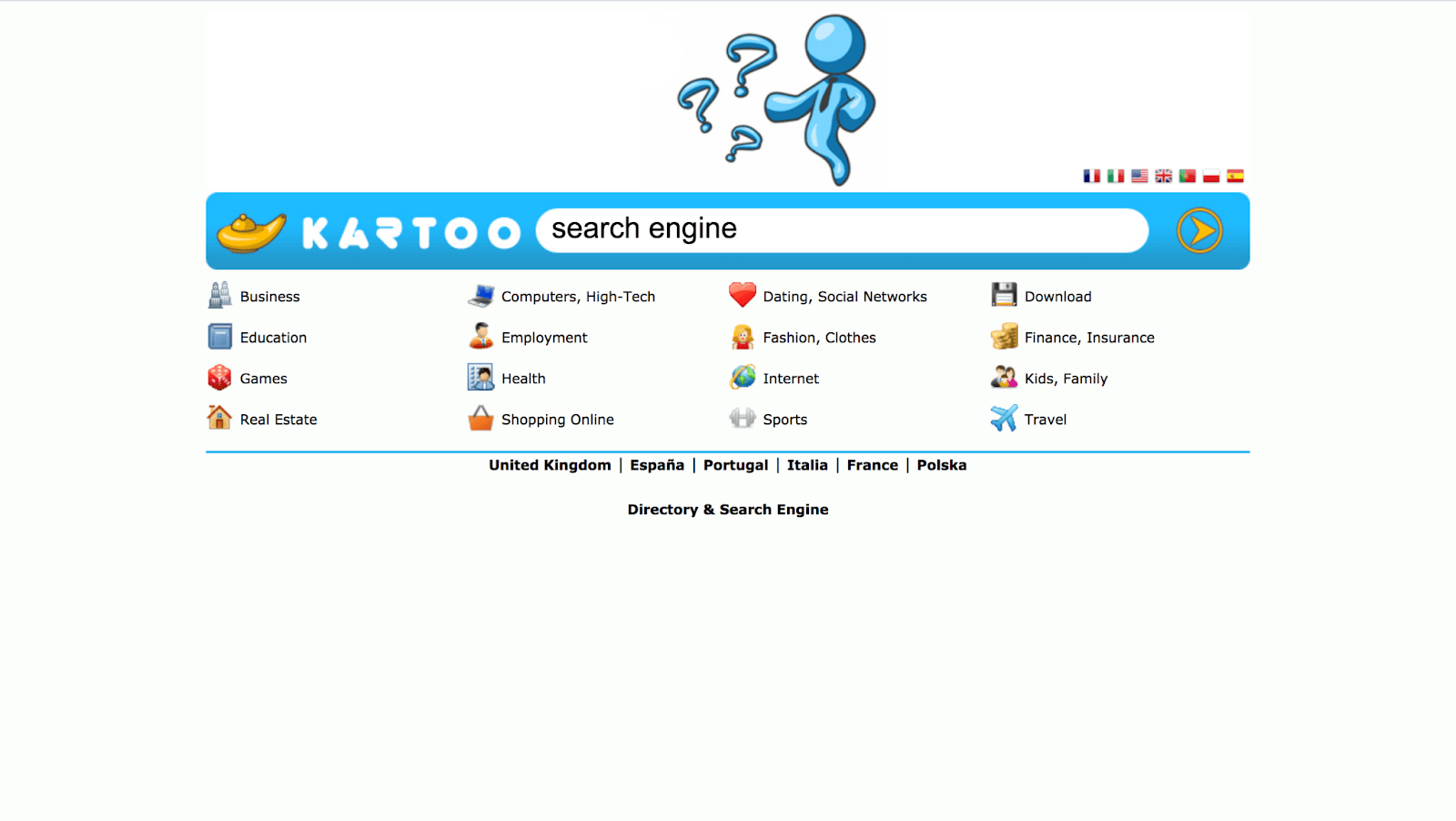
Kartoo assists users in quickly locating the most appropriate website for a given question. Its metasearch engine compiles a comprehensive list of websites for each query and sorts them by relevance using proprietary algorithms. Kartoo also provides localized search engines where each country has a market-specific directory that provides in-depth information through a user-friendly interface in most languages. Everyone has free access to an increasing number of features, such as global weather forecasts, TV shows, horoscopes, and online games.
DuckDuckGo
https://duckduckgo.com/
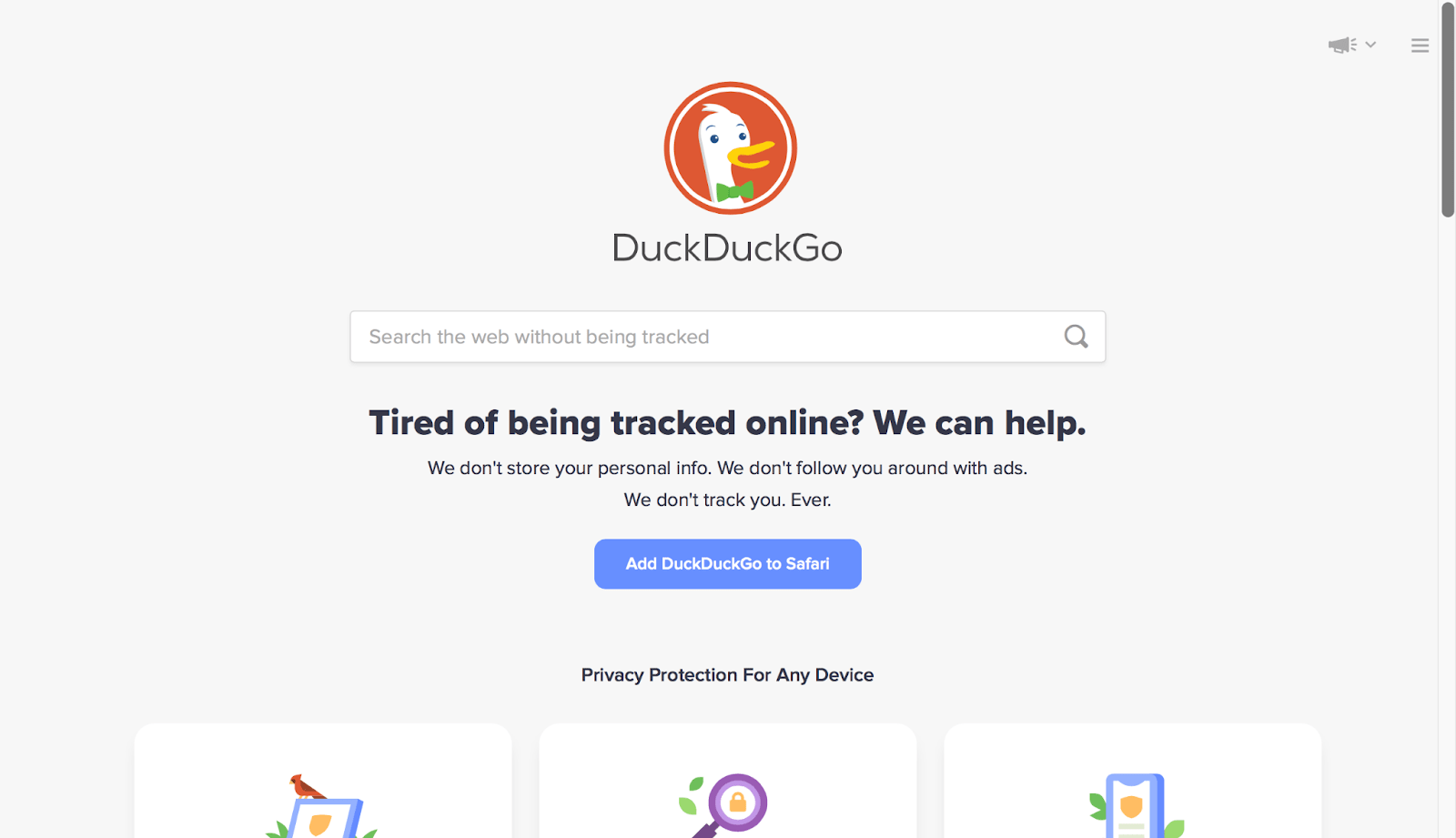
DuckDuckGo is a metasearch engine that uses a variety of sources, including Bing, Yahoo!, WolframAlpha, and its web crawler, to generate information. Aside from that, it protects its users’ data privacy by providing an integrated privacy protection system that includes private search, tracker blocking, and site encryption.
Click here to get the lowest price on Surfshark through our exclusive limited-time offer.
Fazzle
http://www.fazzle.com/

Fazzle provides access to a broad range of information sources, from general web results to advanced search services in a variety of categories. It uses over 120 different search engines to provide quick and accurate results for each listing, as well as a preview page. Web, Downloads, Images, Videos, Audio, Yellow Pages, White Pages, Shopping, and News are all included in Fazzle’s search results.
ReviewVPN cannot attest to the legality, security and privacy of the applications discussed on this site. It is highly recommended that you use a VPN service while streaming or using Kodi. Currently, your IP 216.73.216.72 is visible to everyone and your Browser is being tracked by Advertisers & ISP Provider. Here are the main reasons why you must use a VPN: A VPN works be replacing your ISP-assigned IP address and creating an encrypted tunnel. We recommend the no log service offered by IPVanish. It works well on a Firestick and offers the fastest possible speeds.
YOUR INTERNET ACTIVITY IS BEING WATCHED
Legal Disclaimer: ReviewVPN.com does not encourage or endorse any illegal activity involved in the usage of services and applications referenced on this site. We do not verify the licensing agreements of services. The end-user is wholly responsible for ensuring that any media accessed through these services does not violate copyright and/or licensing laws. ReviewVPN does not promote, link to, or receive compensation from any Apps and IPTV services.
Install Surfshark on Firestick

How to use a MetaSearch Engine on Firestick
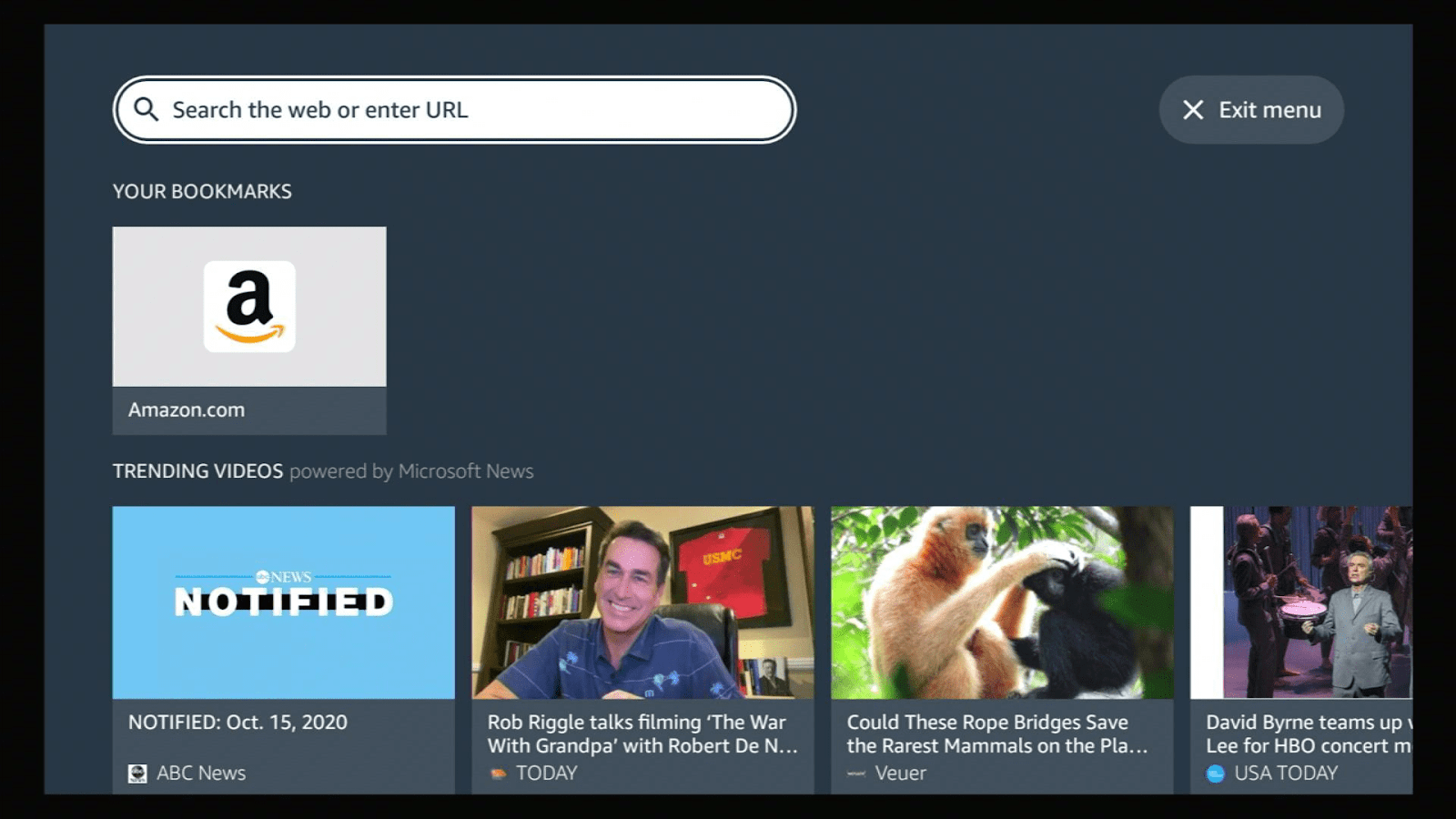
If you will be using a Firestick to use the Metasearch engines mentioned above, you will need to install the Silk Browser beforehand.
It is available at the Amazon App Store so there is no need to Jailbreak the Firestick or download the Downloader app on your Firestick.
If you do not know how to install it, here is an easy guide for you:
- Click Home on your remote and click “Find”.
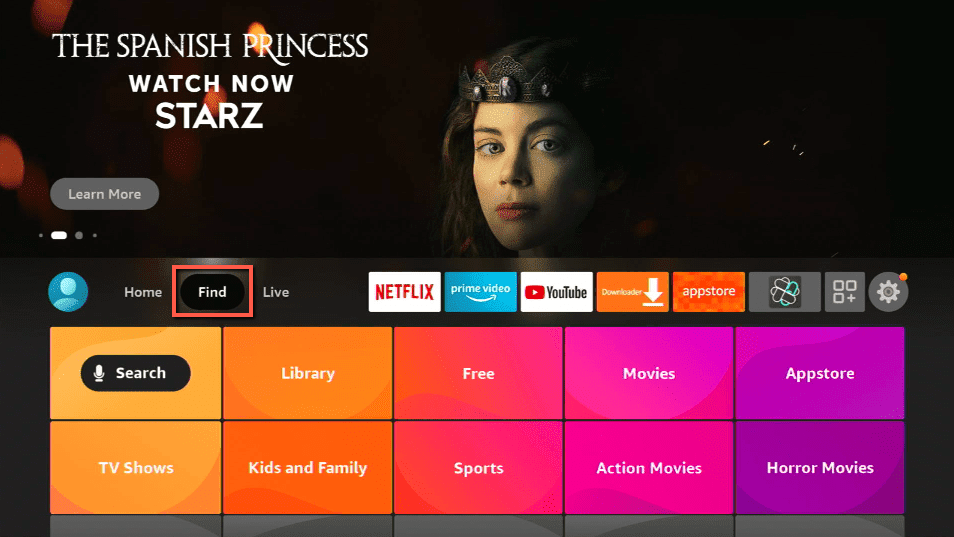
- Click “Search”
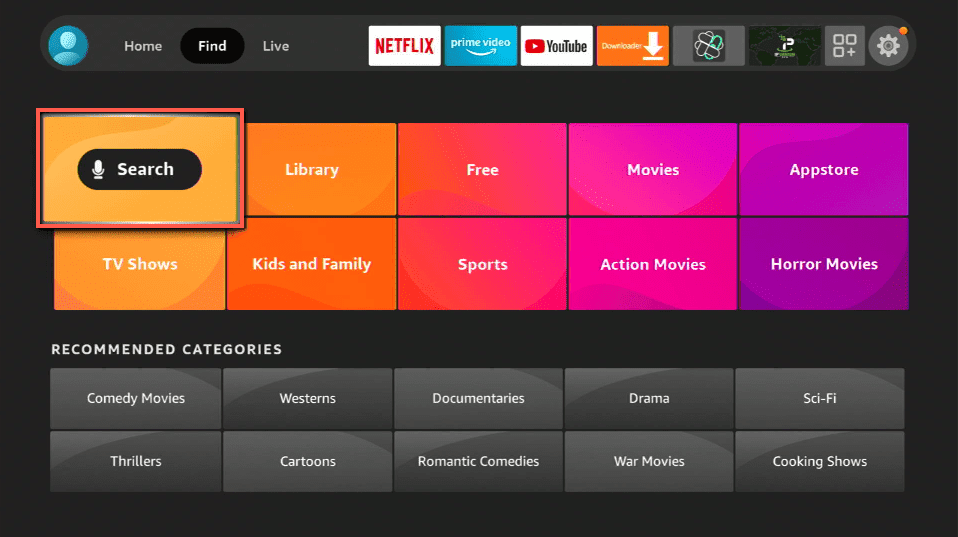
3.Type in Silk Browser and choose this item that appears on the results.

- Click on the Silk Browser Icon.
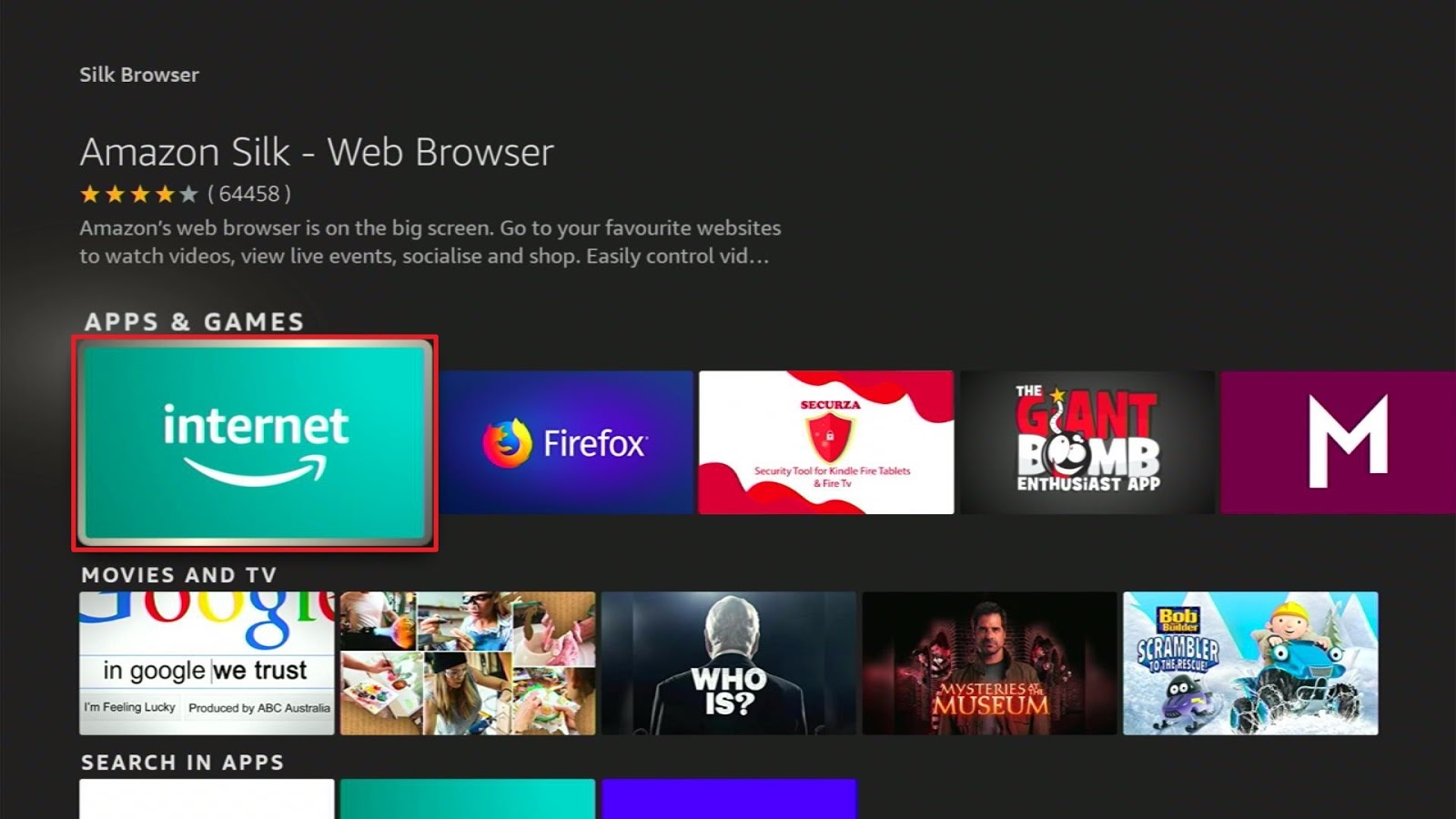
- Choose Download
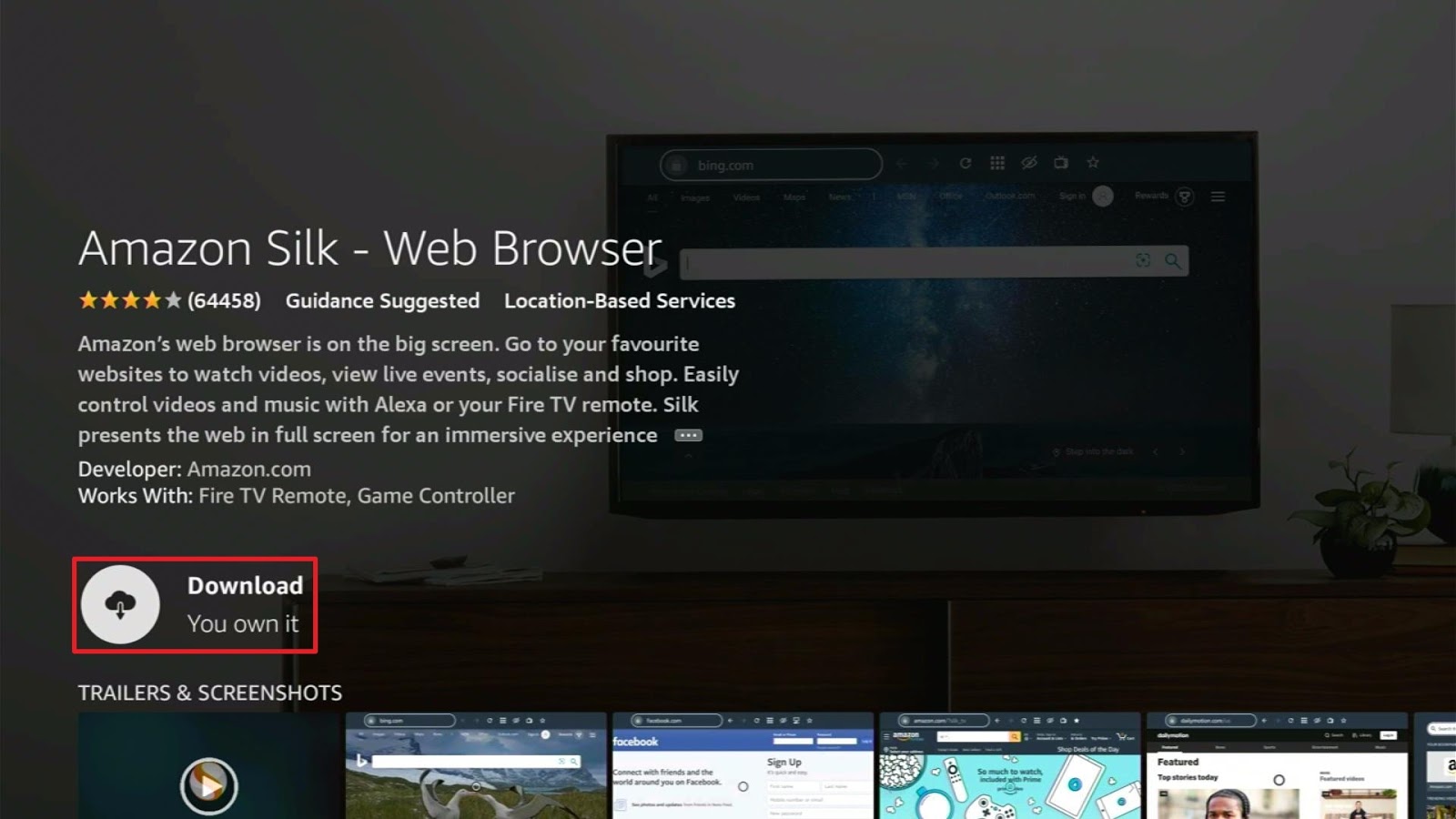
- Select Open to launch the browser.
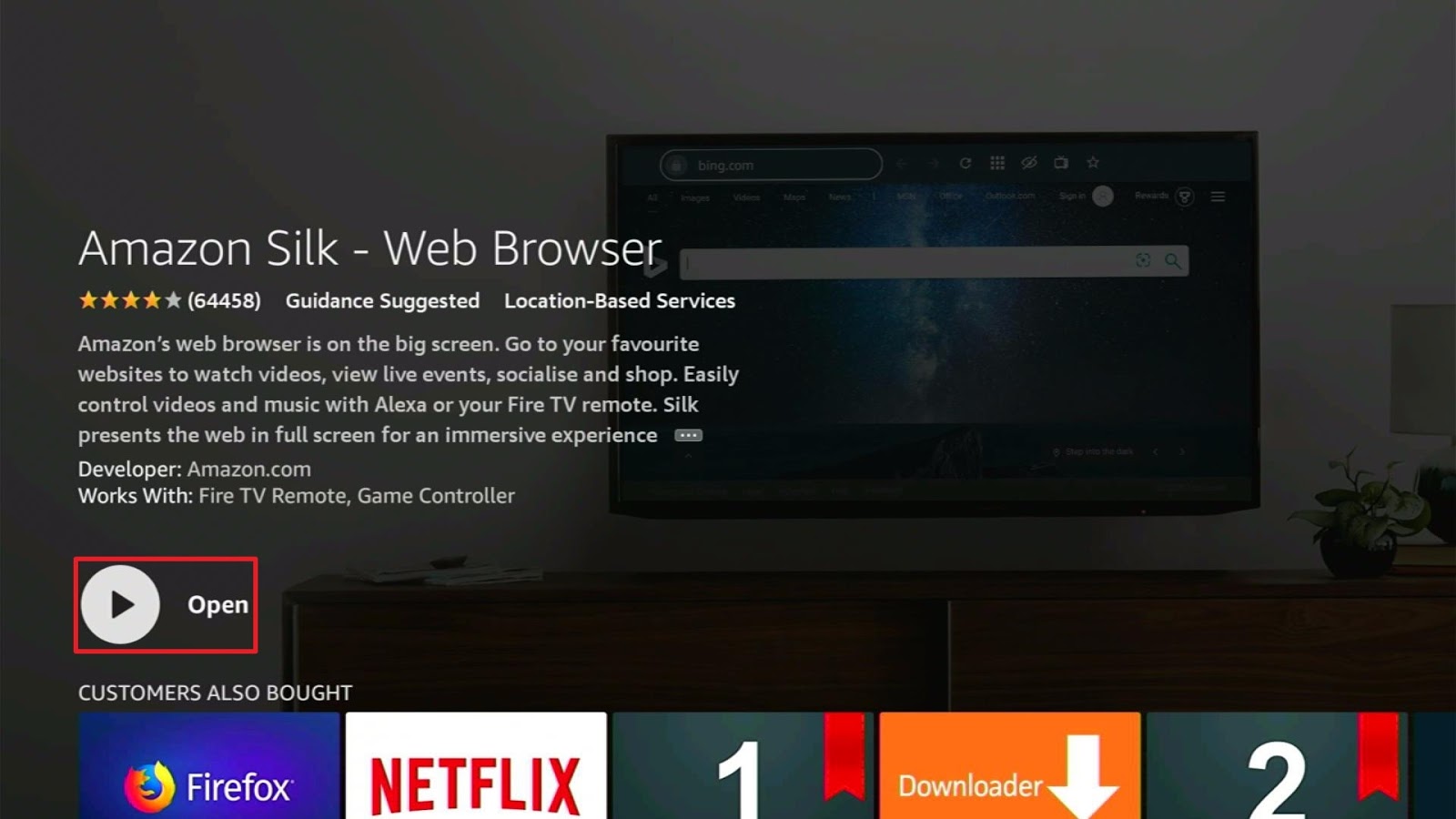
- You can now start browsing using Amazon Silk Browser.
Should I Use MetaSearch Engines with a VPN?
Since some of these metasearch engines do not guarantee data protection, we recommend you use a VPN such as Surfshark to ensure an encrypted data connection. Here we’ve listed down some of the benefits of having a VPN:
- Connects to 3200+ servers in 65 countries
- AES 256-bit encryptions will safeguard your personal information
- Prevents your Internet Service Provider from tracking down your data cap
- Guaranteed zero logs and no IP address leaks
- Makes your device safe from ransomware and malware
- Have unlimited connections from different devices
- Maintains your anonymity while accessing online content
Note: For more information about Surfshark, please read our Surfshark Review.
Click here to get the lowest price on Surfshark through our exclusive limited-time offer.
How to Install Surfshark VPN on Firestick
If your Firestick still has the older interface, read this article to learn how to update it: Update Firestick Interface.
Follow our screenshots below to install the SurfShark VPN app on your Fire TV stick.
1. Go to the Home screen of your Firestick.

2. Navigate towards the Find tab. Press the Search button from the resulting dropdown.

3. Type in the keyword of SurfShark and select from the suggestions that will appear.

4. Click the official SurfShark icon from your search results.

5. Press the Download (You own it) button.

6. The SurfShark VPN installer will download on your device.

7. SurfShark VPN’s app will automatically install itself on your Fire TV stick.

8. Press the Open button after completing SurfShark VPN’s installation process.

9. Please wait for the SurfShark VPN to load its user interface.

10. You can now log in with your SurfShark VPN account credentials.

Learn more about Surfshark and Grab the Best Surfshark Deal Now!
Install Surfshark on Firestick



For more VPN discounts, go to ReviewVPN Deals and purchase the best VPN for you.
Click here to get the lowest price on Surfshark through our exclusive limited-time offer.
Final Thoughts
Thank you for reading our article on MetaSearch Engine. We hope we were able to give you an overview of what a MetaSearch Engine is, how it works, and how it compares to a single search engine. This article also discussed the advantages and disadvantages of MetaSearch engines, but the decision to use them or stick with single search engines is still up to your preference.






