

Overview
Quick Navigation
In this article, we will show you how to watch College Football.

Watching college football is an exciting hobby that many of us partake in. There is this inexplicable joy as we cheer on our favorite teams and players. Their wins are equivalent to our victories. It is why fans of the sport want to ensure that they do not miss any precious second while following every annual game.
As we all know, the 2021 college football season is near. Many sports enthusiasts are looking for ways to watch the game online for free. Although it can be a difficult task, we want to make sure that every football fan will have the opportunity to catch up with this year’s football events.
Do you want to learn about websites and apps that provide free and affordable live college football coverage? Then you have come across the right article.
Today, we will discuss the best websites and apps where you can watch many 2021 college football events.

Apps for Watching NCAA College Football
College Football season will arrive soon. It is one of the most exciting events in the US. All of us enjoy observing our favorite college football teams dish it out on the gridiron.
Many football fans will search for affordable ways to watch college football. It is why we now present you with some apps for streaming high-quality college football videos.
ESPN Plus
ESPN Plus is the premium go-to app for college football fans. Aside from registering or watching on its website, the ESPN Plus app can accompany you wherever you go.
The ESPN Plus app allows you to access many pro-sports channels. You can watch content from NBA, NHL, MLB, NFL, WWE, UFC, NFS, and many more.
We have to remind you that using the app requires you to pay some fees. Fans of football may easily register with its main website before downloading the app.
How to Install ESPN on Firestick
1. Install the Downloader app and jailbreak your firestick by enabling unknown sources. To learn more about the procedure, you may read How to Install the Downloader App and Enable Unknown Sources.
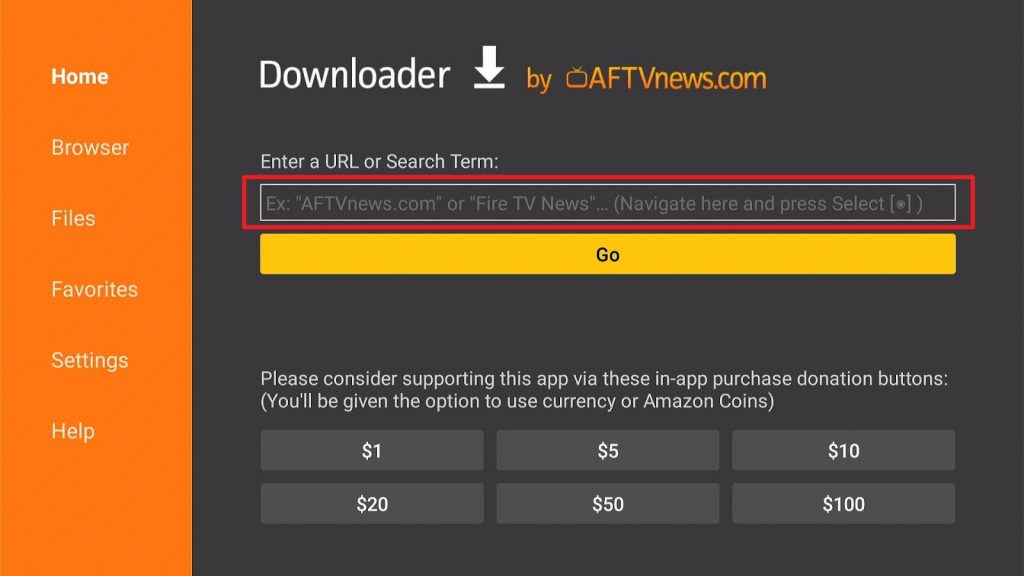
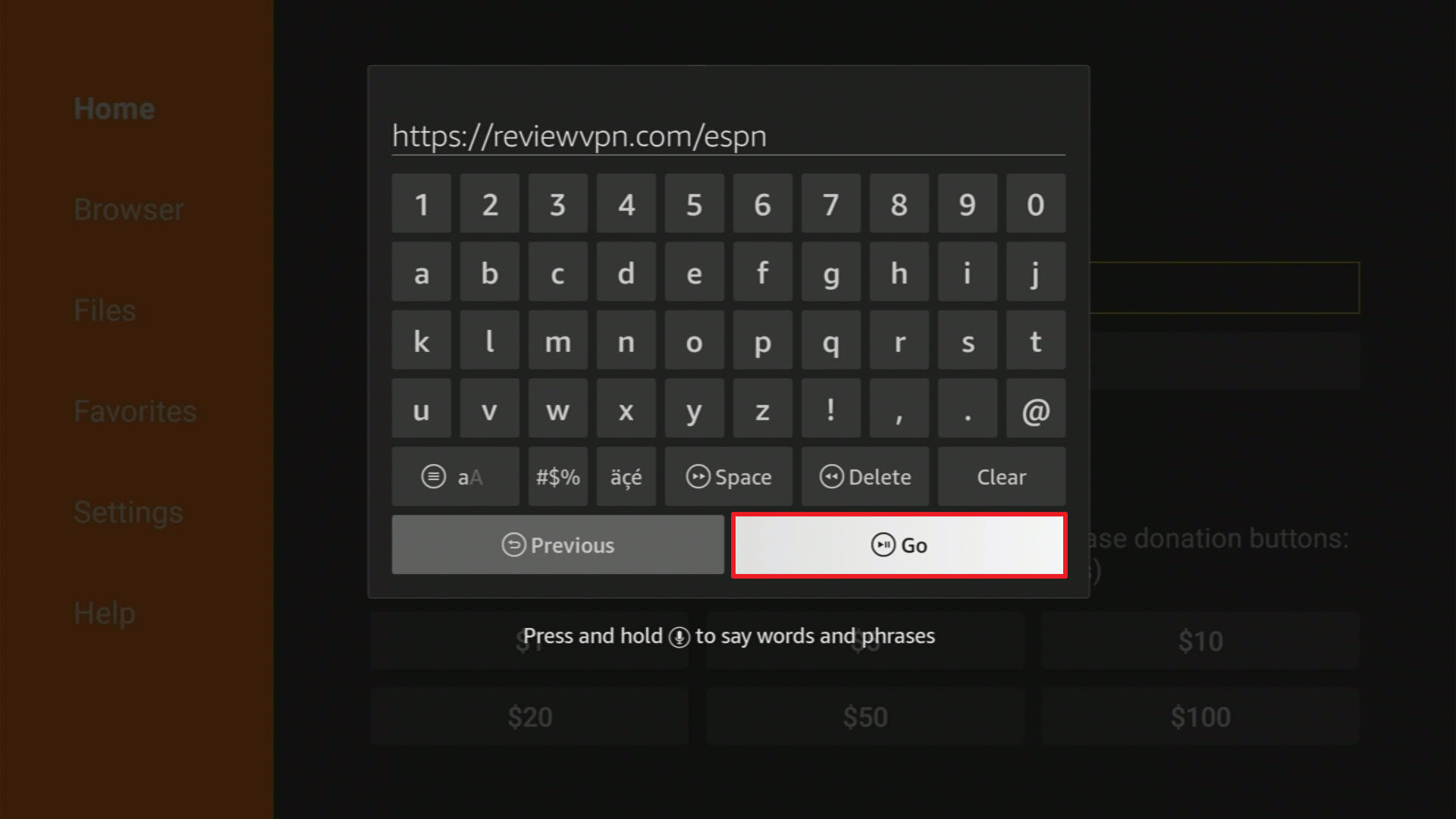
2. Open Downloader App. Type https://reviewvpn.com/espn and click Go.
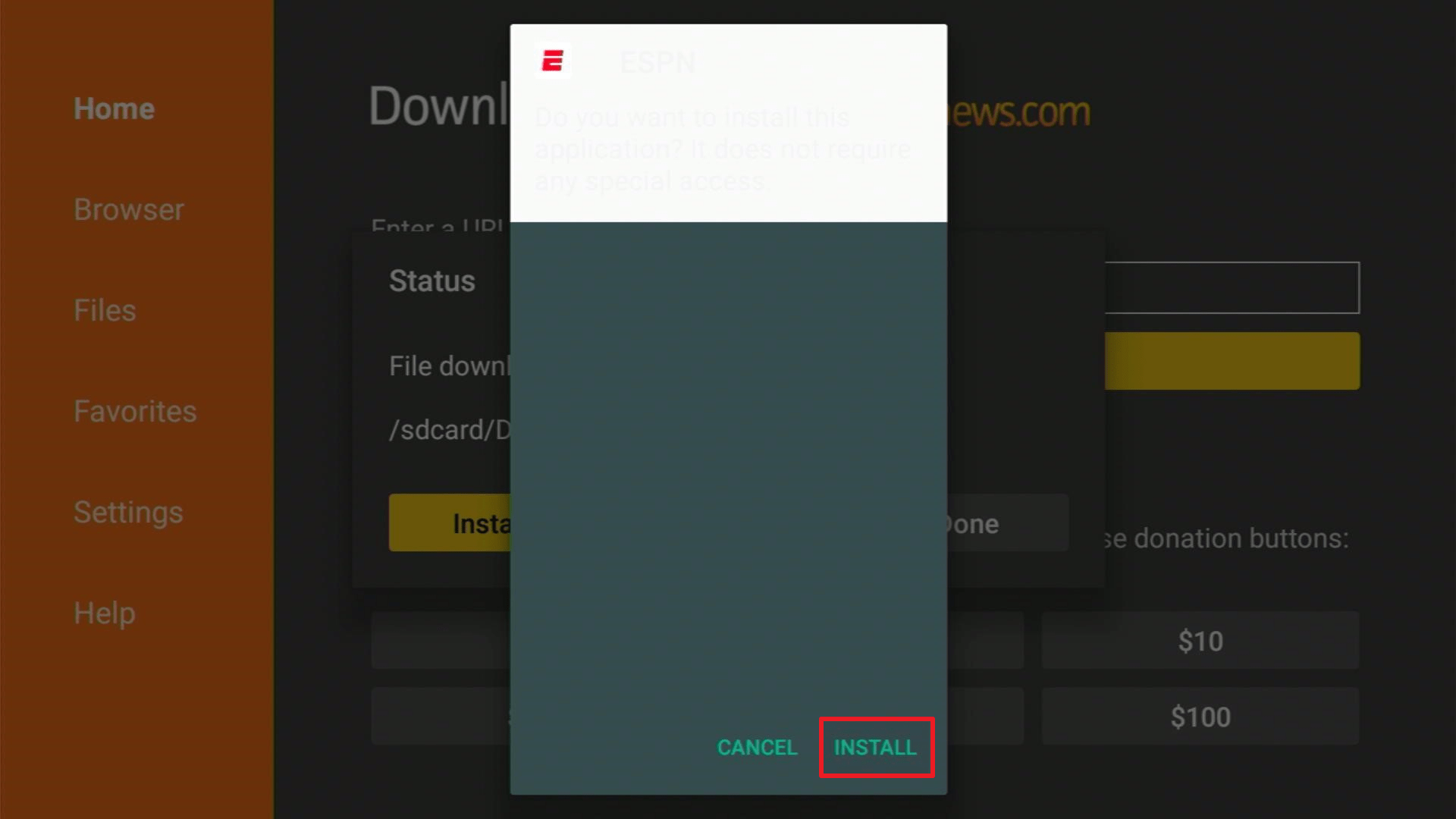
3. Click on Install.
4. Click on OPEN
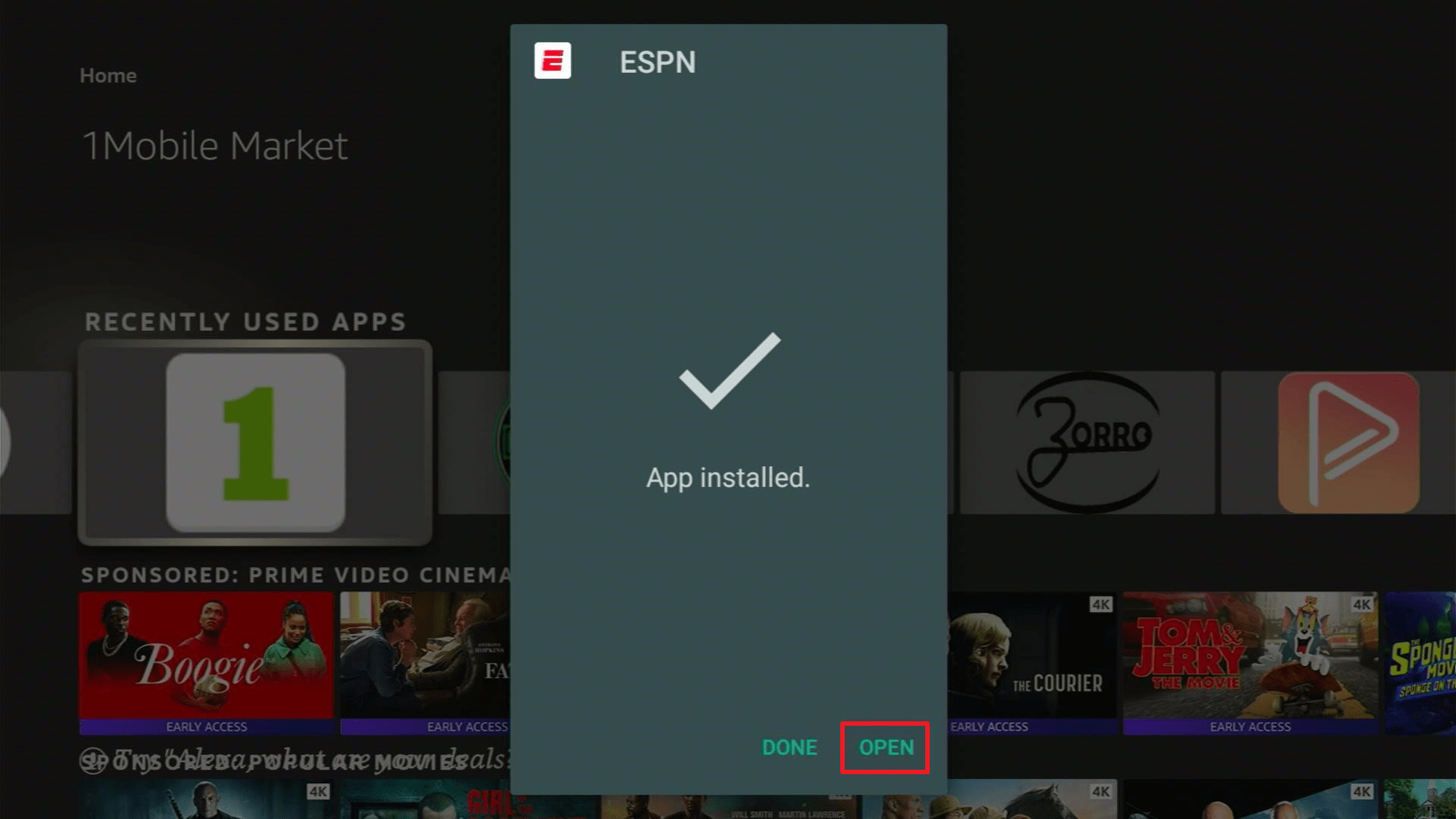
5. Choose Allow.
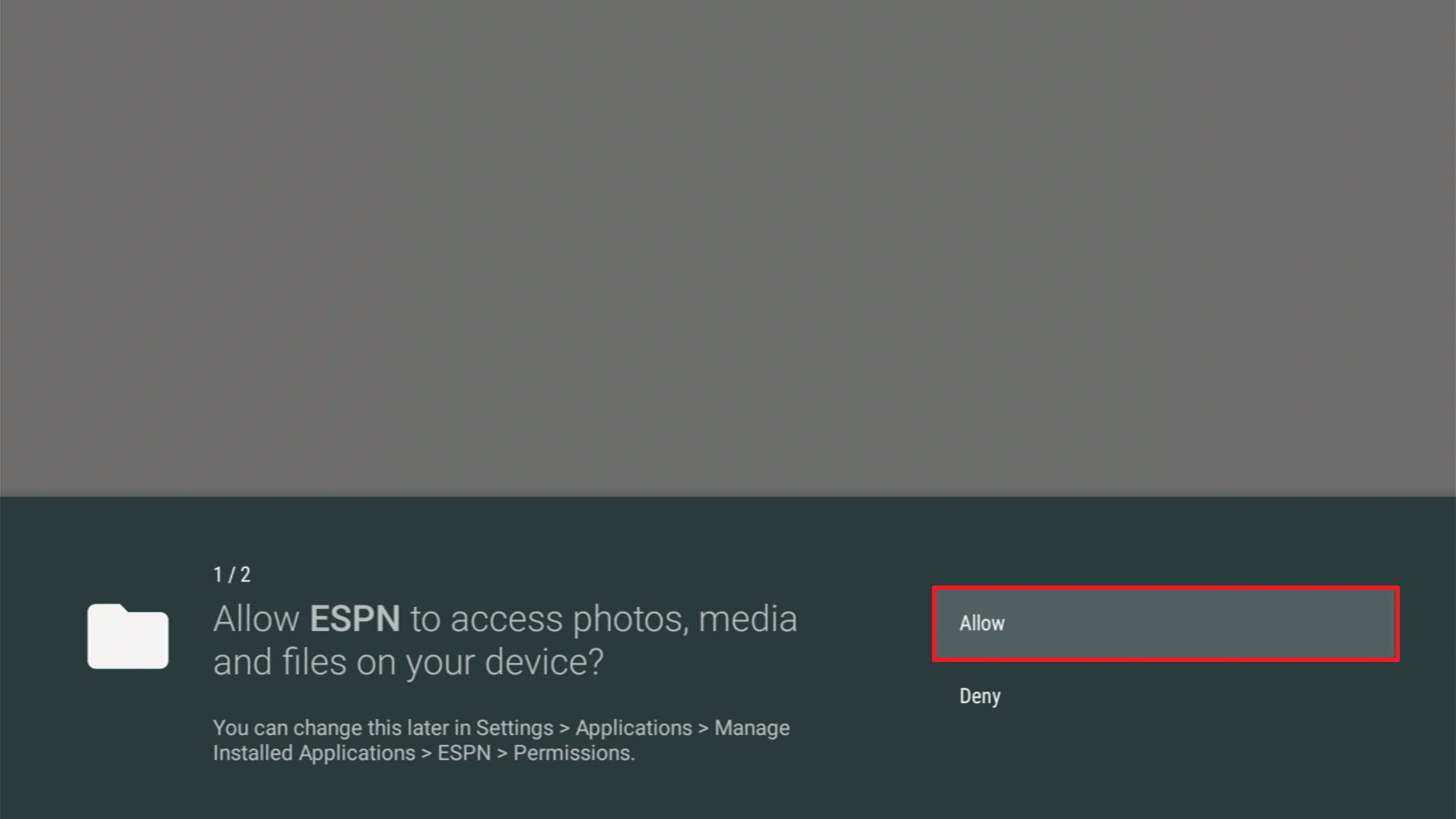
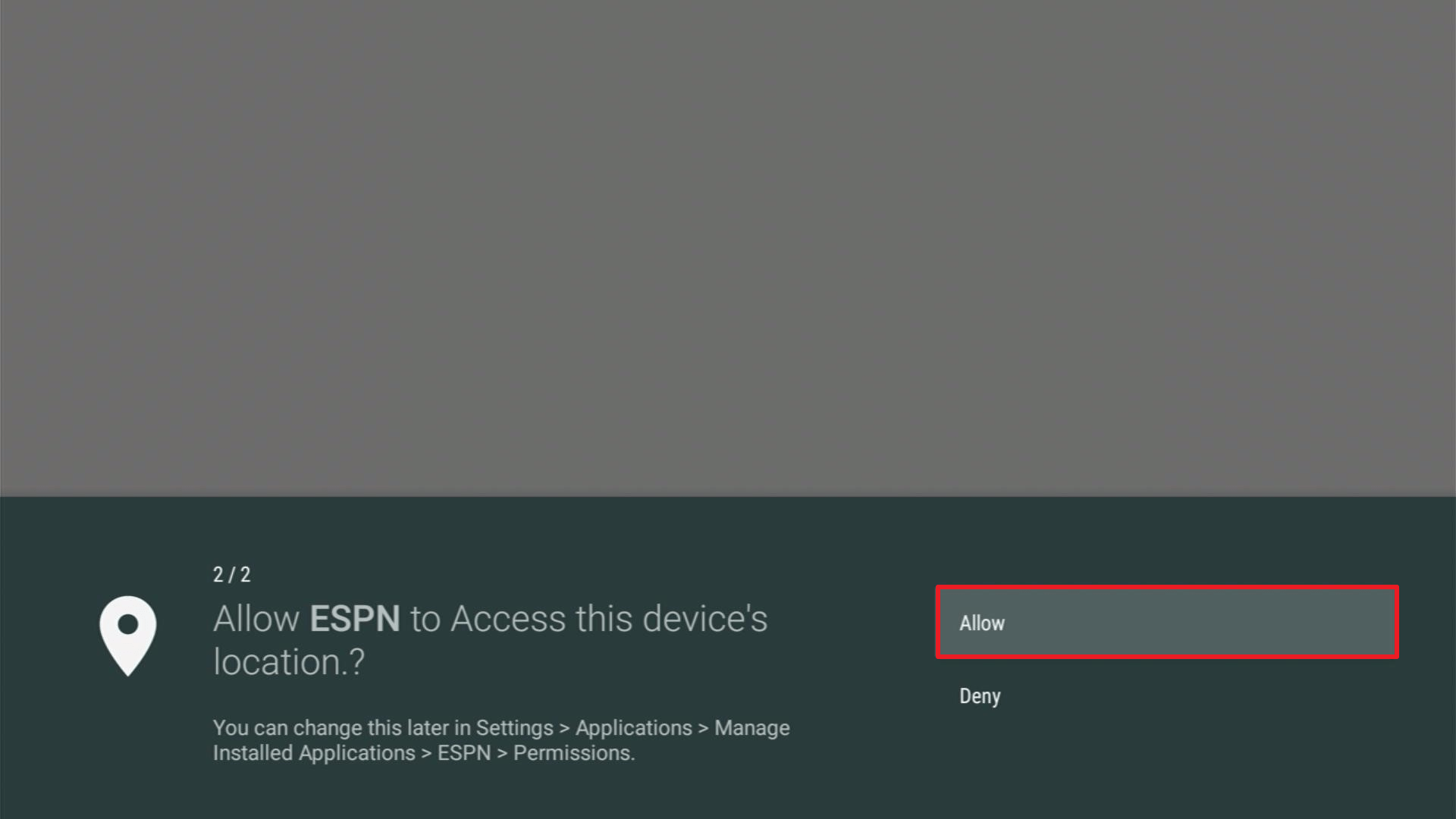
5. Choose Allow button one more time.
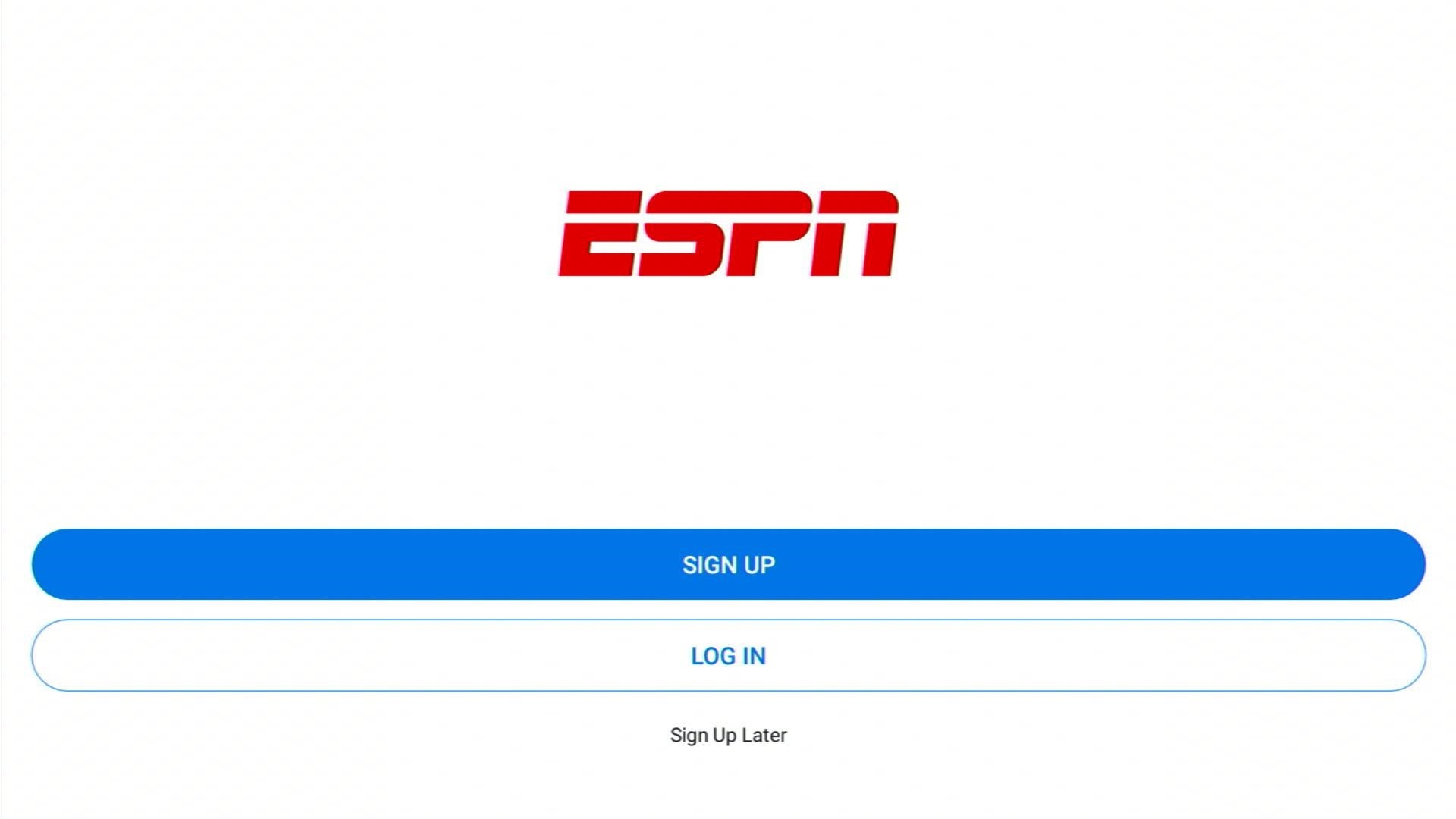
7. Sign in or Log in to your ESPN account
If you want to install it on your Fire TV stick, follow our article about ESPN: App Review and Installation Guide for Firestick and Android.
ReviewVPN cannot attest to the legality, security and privacy of the applications discussed on this site. It is highly recommended that you use a VPN service while streaming or using Kodi. Currently, your IP 216.73.216.193 is visible to everyone and your Browser is being tracked by Advertisers & ISP Provider. Here are the main reasons why you must use a VPN: A VPN works be replacing your ISP-assigned IP address and creating an encrypted tunnel. We recommend the no log service offered by IPVanish. It works well on a Firestick and offers the fastest possible speeds.
YOUR INTERNET ACTIVITY IS BEING WATCHED
Legal Disclaimer: ReviewVPN.com does not encourage or endorse any illegal activity involved in the usage of services and applications referenced on this site. We do not verify the licensing agreements of services. The end-user is wholly responsible for ensuring that any media accessed through these services does not violate copyright and/or licensing laws. ReviewVPN does not promote, link to, or receive compensation from any Apps and IPTV services.
Install Surfshark on Firestick

Paramount Plus Sports and Live TV

Paramount Plus is a fresh new app for fans of college football. It is the best app for sports streaming and is suitable for people wanting to catch the football season on a budget.
If your favorite team is part of the Southeastern Conference, you will have the opportunity to watch the latest football games without paying expensive fees. Replacing the CBS All Access app, the Paramount Plus app aims to include a wide variety of sports.
People wanting to use the CBS Sports app may begin with a free trial. You can start paying for monthly fees after enjoying its free trial duration. Even on trial mode, fans of football may still enjoy watching SEC Football games.
How to Install Paramount Plus on Firestick
We will now teach you how to install the Paramount Plus app on your Fire TV stick.
1. Navigate your Firestick’s Home screen.
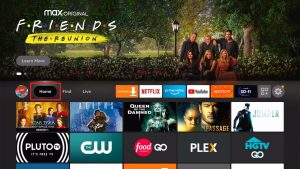
2. Press your remote’s scroll-right button to the Find tab.
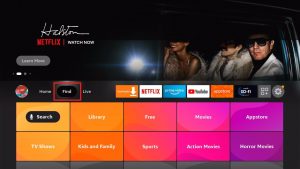
3. Choose Search from the dropdown.
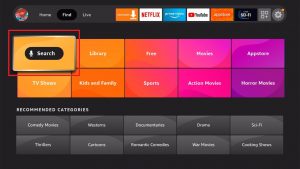
4. Type in Paramount Plus with your on-screen keyboard.

5. Select the official Paramount Plus app.
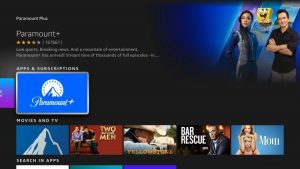
6. You can open the app and stream exclusive Paramount Plus programs and films.

If you want to install the Paramount Plus on Fire TV devices, just visit our guide on how to install the Paramount Plus app on your Firestick.
Fox Sports
The Fox Sports app still provides you streaming of content from reputable sports icons. You can watch exclusive videos from NFL, NHL, MLB, NASCAR, NCAA College Sports, WWE, MMA, and many more.
Before using the app, we recommend you create an account with its main website. Registering or subscribing to the services of the Fox network will give you access to many features.
While using a profile from Fox, people can choose their favorite College football teams. You may also receive recaps and highlights of your favorite college football sports events.
How to Install Fox Sports on Firestick
1. Install the Downloader app and jailbreak your firestick by enabling unknown sources. To learn more about the procedure, you may read How to Install the Downloader App and Enable Unknown Sources.
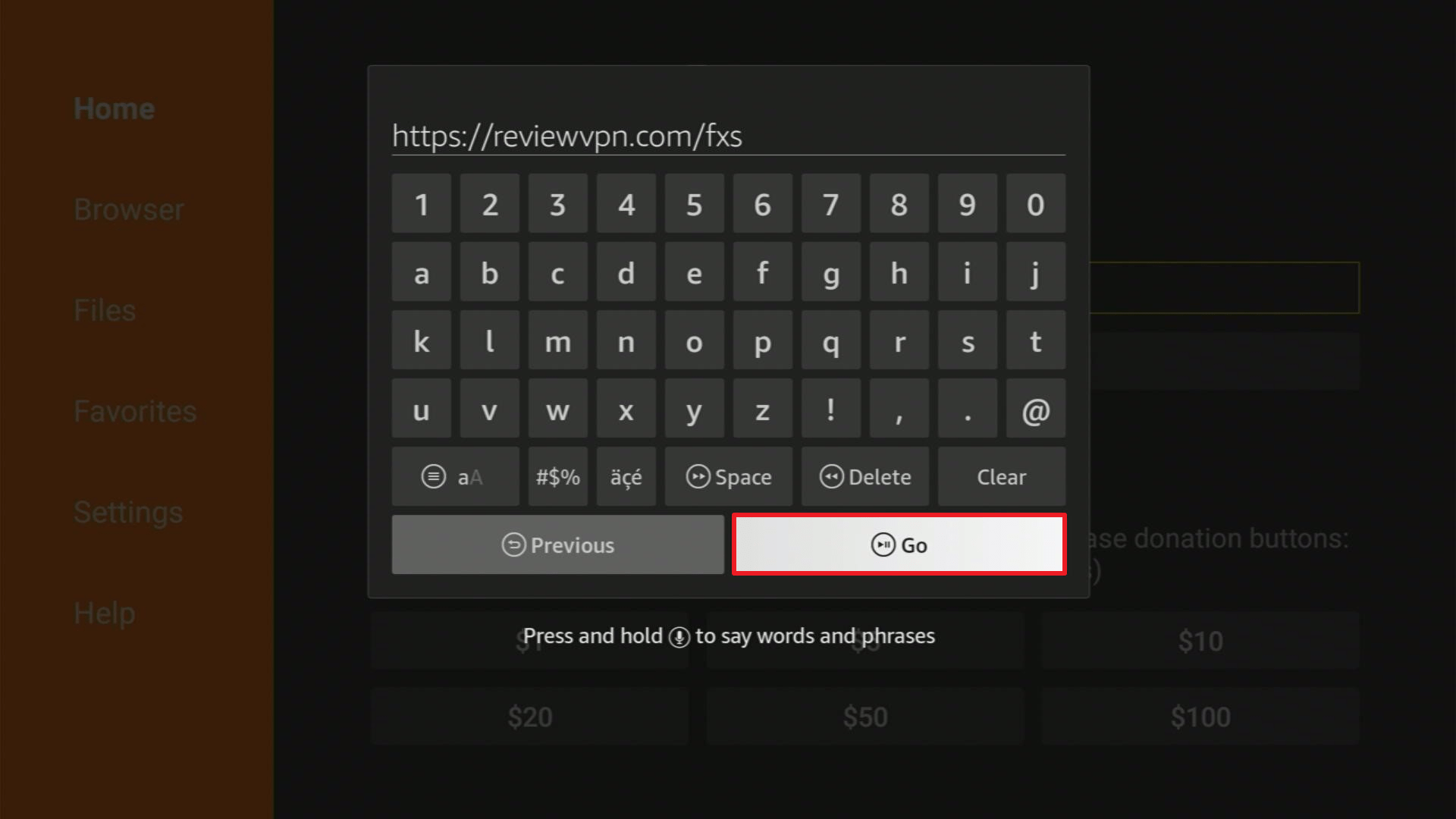
2. Open Downloader App. Type https://reviewvpn.com/fxs and click Go.
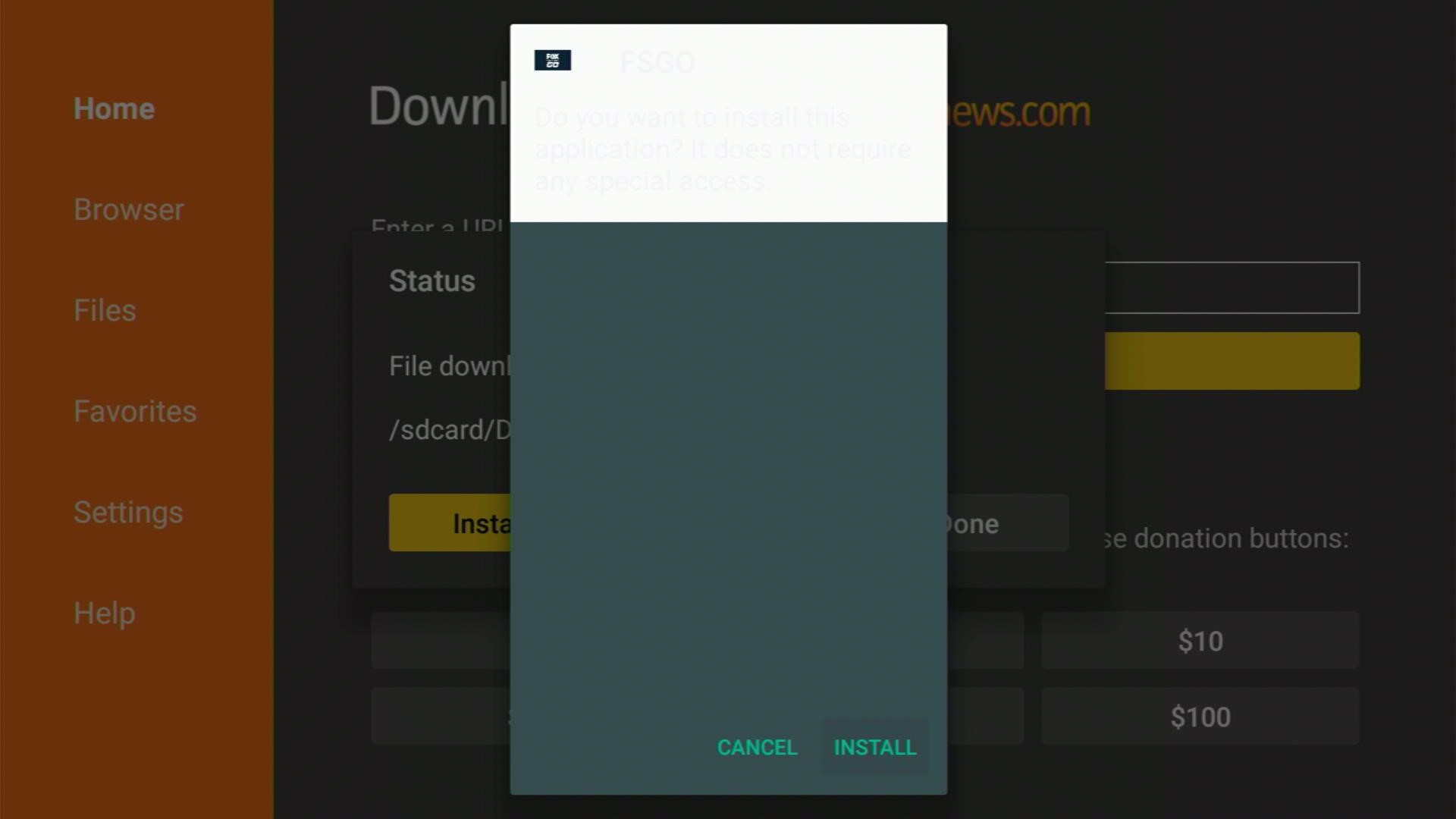
3. Click Install.
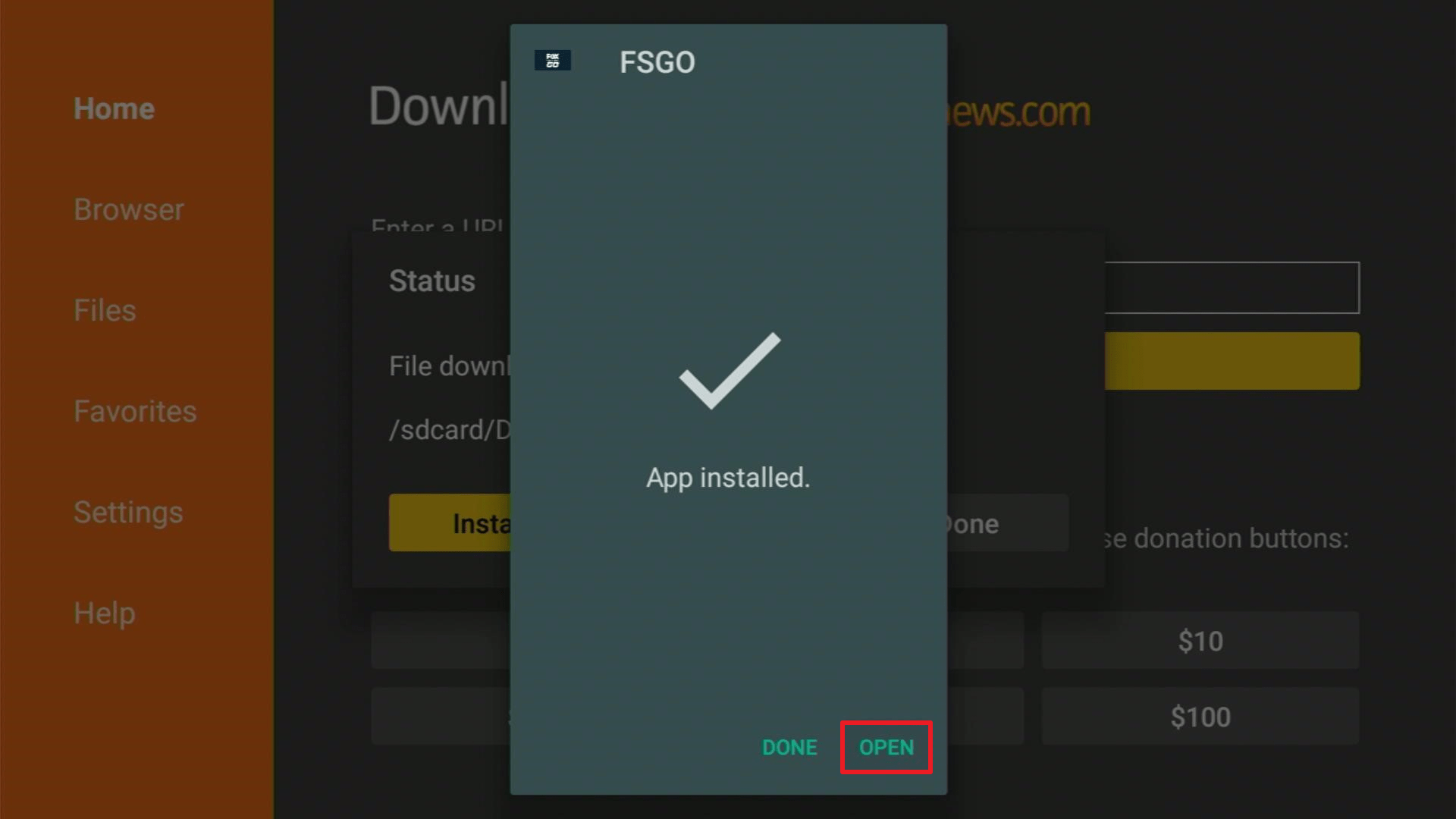
4. Click open.
5. Click OK.
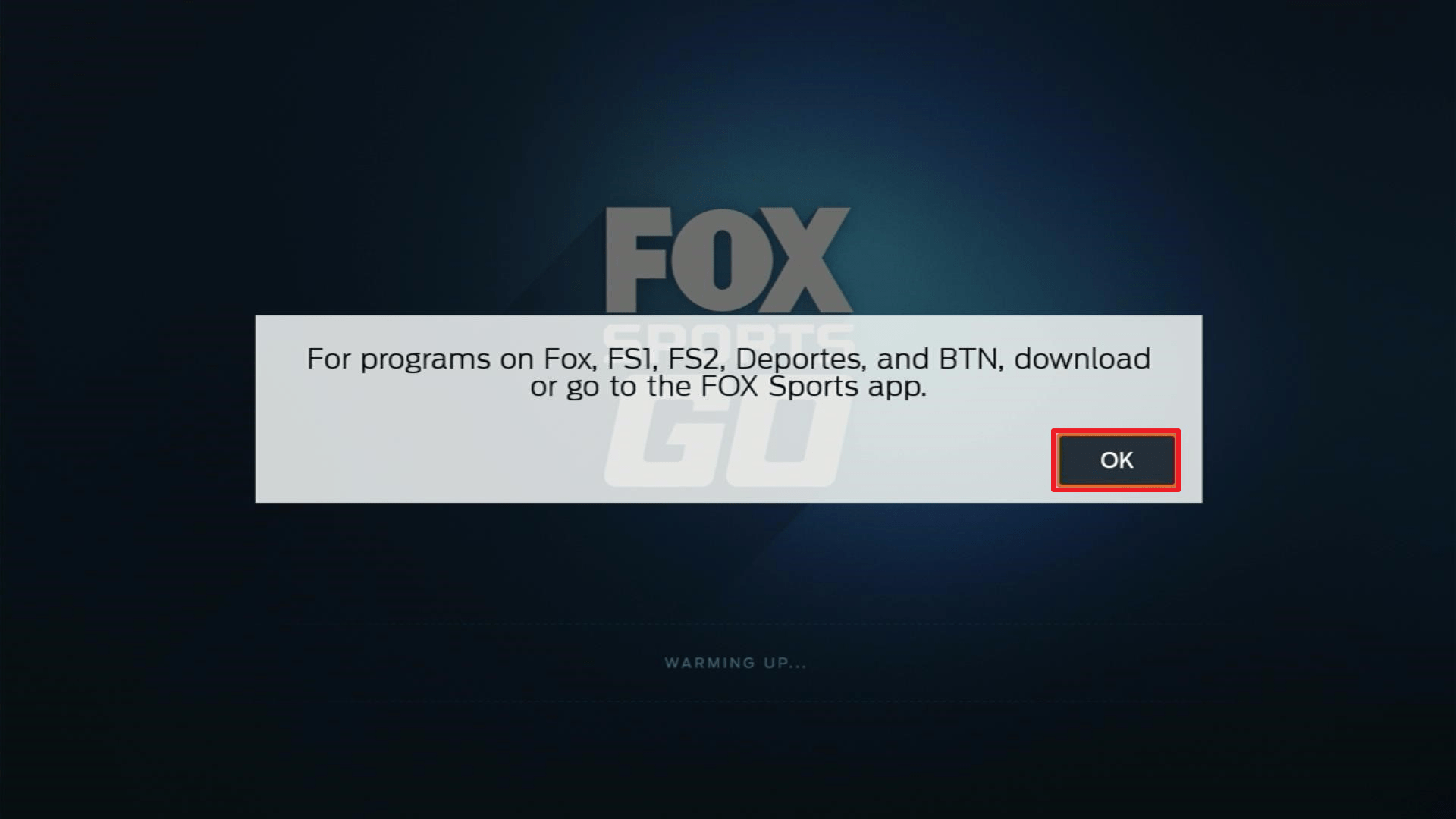
6. FOX Sports Go is now installed.
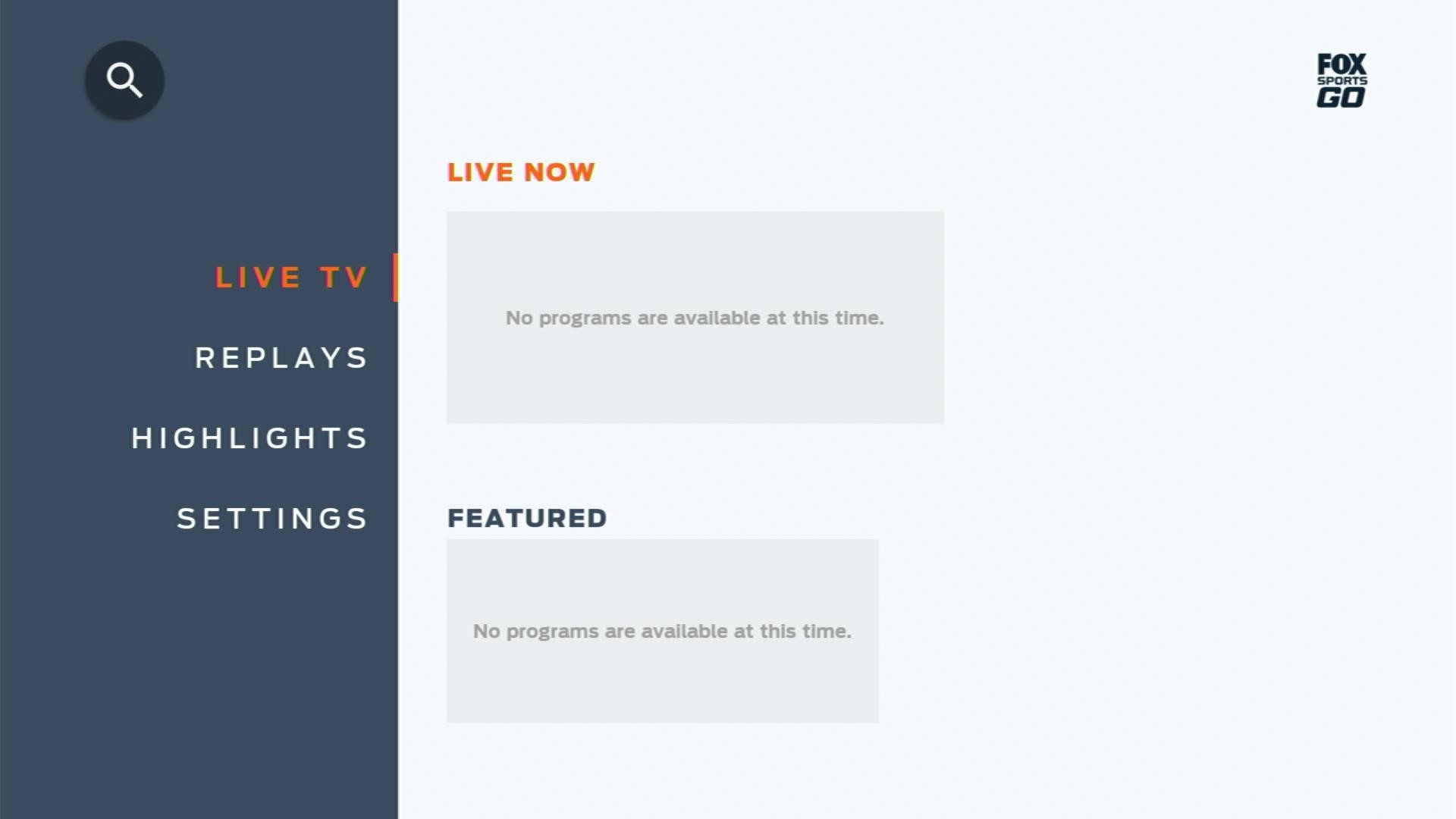
Check out our app review and how to install the Fox Sports app on your Firestick.
ABC App

For Fire TV users, the ABC app is one of the best options for catching up with this year’s college football season. We recommend the ABC app for streaming live sports events.
The ABC network famously affiliates itself with the ESPN Sports network. It is why they have the broadcasting rights to major sports like the seasonal NCAA College Football events.
However, some of the media content they provide can change at any given moment. But, you don’t need to worry since the sports coverage they stream is live and fresh from the ESPN Sports network.
How to Install the ABC App on Firestick
1. Install the Downloader app and jailbreak your firestick by enabling unknown sources. To learn more about the procedure, you may read How to Install the Downloader App and Enable Unknown Sources.
2. Type in https://reviewvpn.com/abc and click Go.
3. Wait for the file download to finish.
4. Click Install.
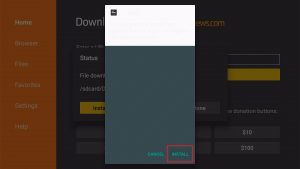
5. ABC’s app will install on your Fire TV stick.
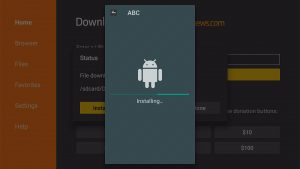
6. Select Open to launch the app.
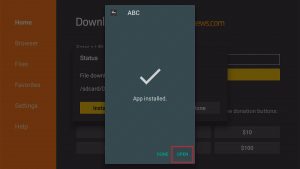
7. Wait for the ABC app to load.

Head to our ABC Channel app review and how to install it on your Fire TV stick.
Best Websites to Watch College Football
Streaming quality sports videos from reputable websites requires the use of effective browsers. If you are using a Firestick, then we recommend the Amazon Silk Browser for Firestick.
SportSurge
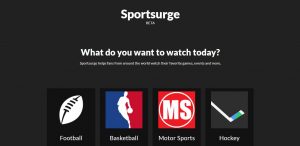
The SportSurge website includes a variety of sports for streaming. People may choose from College Football, basketball, baseball, Mixed Martial Arts, and many more.
SportSurge delivers the latest college football videos. Prominently featuring live college football matches, its website is your best chance of catching live college football without paying for anything. Just select the football icon for streaming football videos.
If you want to learn more, visit our article about the SportSurge website and how you can open it on Android, IOS, and Fire TV devices.
FirstRow Sports
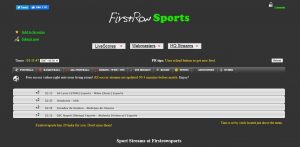
People wanting to watch the most recent college football games may visit the FirstRow Sports website. You do not even have to pay for anything to catch your favorite teams in play.
The main page of FirstRow Sports is easy to navigate. You will find a long list of available categories representing a different type of sport. Visitors will easily find the football section to watch college football video streams.
Do you want to watch FirstRow Sports with Kodi? Then visit our article about Sport’s Devil Kodi Addon and learn about its installation guide.
Vidgo
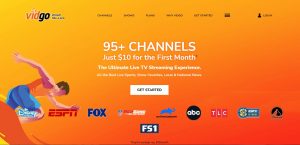
For fans searching for a TV streaming service for sports, the Vidgo TV service is one of the best. You will find many channels for sports, live TV channels, TV shows, and other programs. All of them are available on one single website. Vidgo also has an IPTV service compatible with your computer, Android, and Fire TV devices.
Subscribers of the Vidgo website will receive a wide list of live TV channels they can select. Some channels can show you NCAA College Football sports videos. The Vidgo service relies on IPTV features. It means that you need to have an excellent internet connection.
Great news for sports enthusiasts! You may download and install the Vidgo TV app on your Fire TV stick.
CricFree
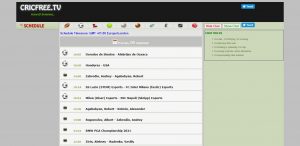
Are you looking for a website with free sports coverage? Then we have a good recommendation. The CricFree website is a fascinating online source of sports videos. Its website presents a color theme that is cool to the eyes. On the main menu, you will find different ball icons that represent every sport you want to watch.
Navigating the main menu of CricFree is convenient for many users. It is complete with a schedule, details, and the recent live sports events available online. Visitors of the website may also check out the schedule of any game they want to stream.
Do you like to watch CricFree while using Kodi? Then installing the Sport’s Devil Kodi Addon will help you access the CricFree website.
Stream-HD Live
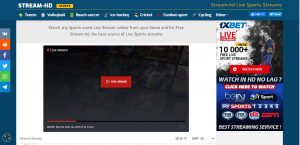
For people wanting to catch live college football games, then the Stream-HD website is your best option. As the name suggests, the website provides non-stop streaming of live sporting events.
The main webpage of Stream-HD live immediately contains a video player that streams live sports coverage. If you choose to view college football, there is a football icon just above its main menu window. Click on the football icon and scroll down to select the latest football games as links.
Similar to Stream-HD live, there are apps you can download and use for watching live TV channels. Just visit our review about the Best Sports Apps for Android and Firestick 2021.
BuffStreams
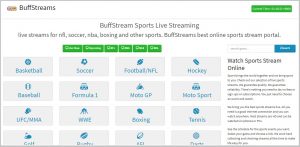
Previously the crackstreams website, the BuffStreams site still offers live channels for sports. With the recent shutdown of its predecessor, the website has to move to another domain.
Visitors of the site will see the changes in the airing schedule of your favorite sports category. The website also provides many links that will direct viewers to stream their favorite games.
Each button link represents a different sports category. For example, there are links for golf, basketball, MLB, and even the upcoming NCAA events. Fans of college football may easily scroll towards the NCAA links category. Each section is complete with sports icons and the schedule of airing.
ESPN Plus
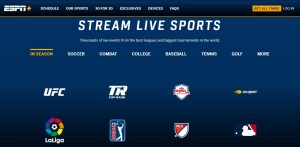
We present ESPN Plus on our list for watching College Football since it streams quality videos. However, the ESPN Plus website requires an account and registration for visitors to continue. After you sign in, the ESPN Plus website offers 24/7 streaming of live sports coverage.
ESPN Plus is an excellent choice to catch the upcoming football season this year. Just ensure to click on the Our Sports tab in the upper corner of your browser. The section will provide college football video streaming.
As one of the famous sports networks available, ESPN also has an app for watching sports. Visit our article about ESPN: How to Install it on Firestick and Android devices.
Reddit NFL Streams (NFL Bites)
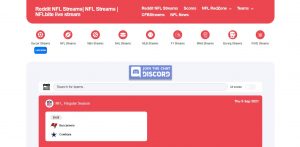
We recommend the Reddit website for watching college football since it has many web pages that cover college football.
The Reddit NFL Streams of NFL Bites is one of the best choices for viewing the latest football events. Keep in mind that the Reddit NFL Streams is only a part of a larger collection of sports streaming choices.
Here you will also find videos covering soccer, NFL, NBA, NHL, MLB, racing, MMA, Boxing, and even WWE wrestling events.
Are you looking for ways to watch NFL live? You can learn to watch it by visiting our article about Watch NFL Live: App review and installation on Fire TV the stick.
USTVGo
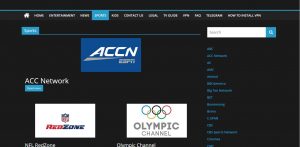
USTVGo is a popular live TV streaming service available on the internet. We recommend USTVGo for catching the latest video coverage of college football events.
Its wide selection of channels allows users to select sports channels that they want to visit. Some examples of the sports channels inside USTVGo’s list are CBS Sports, ESPN, Fox Sports, and other sports streaming channels.
The USTVGo website is available for viewing anywhere you are.
Visit our main article about How to Watch USTVGo on Firestick, PC, and Android Devices.
FuboTV
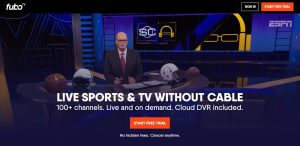
The FuboTV website is a wonderful source for watching sports online. We recommend FuboTV for College football fans wanting a free streaming service to watch the upcoming football games.
FuboTV allows users to watch live sports streaming channels without requiring any payment. There are no contracts to sign or hidden fees that will surprise you.
FuboTV offers the streaming of live sports from reputable names such as CPL, NBA, NFL, NHL, MLB, MLS, and international soccer.
Luckily for us sports fans, FuboTV has an app. Follow our guide about how to install FuboTV on your Firestick.
Stream2Watch
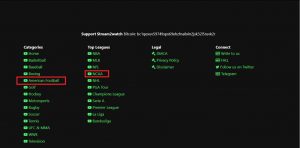
Stream2Watch is one of the websites that sports fans always visit. The website also includes a built-in search engine so people can search for sports categories they want to view.
The Stream2Watch main page immediately provides a list of sports category options. For fans of college football, we recommend you to click on the NFL button.
Stream2Watch also provides a schedule for the airing of many live sports events. The website also allows users to watch sports that have geo-restrictions.
Are you still looking for other ways to stream College Football? Then we have your back, visit our article about Stream2Watch Alternatives.
Watch College Football with a VPN
Streaming live football games can cause a slow internet speed. Sometimes, our ISPs reduce our internet bandwidth to avoid their servers from malfunctions. Cyber threats may also infiltrate your device while you browse different websites for watching live sports content.
As an effective solution for ISP throttling techniques, we recommend installing Surfshark. Surfshark is your best choice for streaming college football videos. The VPN has many benefits to share with us:
- Faster streaming of live TV channels
- Streaming of HD Sports Coverage
- Protect your identity while browsing different sports streaming websites
- Pass your connection through digital tunnels
- Provide an untraceable IP address
Note: For more information about Surfshark, please read our Surfshark Review.
Install Surfshark on Firestick
How to Install Surfshark VPN on Firestick
If your Firestick still has the older interface, read this article to learn how to update it: Update Firestick Interface.
Follow our screenshots below to install the SurfShark VPN app on your Fire TV stick.
1. Go to the Home screen of your Firestick.

2. Navigate towards the Find tab. Press the Search button from the resulting dropdown.

3. Type in the keyword of SurfShark and select from the suggestions that will appear.

4. Click the official SurfShark icon from your search results.

5. Press the Download (You own it) button.

6. The SurfShark VPN installer will download on your device.

7. SurfShark VPN’s app will automatically install itself on your Fire TV stick.

8. Press the Open button after completing SurfShark VPN’s installation process.

9. Please wait for the SurfShark VPN to load its user interface.

10. You can now log in with your SurfShark VPN account credentials.

Learn more about Surfshark and Grab the Best Surfshark Deal Now!
Install Surfshark on Firestick



For more VPN discounts, go to ReviewVPN Deals and purchase the best VPN for you.
FAQs
Are all these websites free for streaming?
No, not all the websites we mentioned are free of payment. Some of the best websites require you to create an account and pay for their services.
Are there pop-up ads on these websites?
Yes, there are some ads while watching live sports streaming on these websites. It is their method of earning revenue and continue to provide free sports videos online.
Conclusion
The college football season is near. It is why many fans of football are looking for websites that can provide either free streaming or watch live streams in HD quality. All the websites we mentioned allow you to watch college football with any device that can connect to the internet. However, not all of them are free and some require the creation of an account.
We hope this article helps you stream college football video coverage with any device you might be using.






