

Couch Potato Flix Overview
Quick Navigation
In this article, I will be showing you how to install Couch Potato Flix on your Firestick device.

Couch Potato Flix is a streaming service and an online platform for underground videos, music, podcast, and movie content. Here, you can access thousands of movies and series for free without the need for registration or subscription.
It also offers live and on-demand shows that are different from the usual offering of most live-streaming apps so a unique streaming experience will be guaranteed with Couch Potato Flix.

Install Couch Potato Flix on Firestick Guide
Since Couch Potato Flix is an official app on the Amazon App Store, you can directly download the app without having to jailbreak your Firestick. For the steps on how to install Couch Potato Flix on your Firestick device, you may follow the guide below:
- Go to “Search”.
- You may use the Alexa voice command or simply type in “Couch Potato Flix”.
- Tap on the icon of the application to download.
- Select “Get”.
- Then wait for the app to be installed.
- Once done, click “Open” to launch the app.
- There you have it, Couch Potato Flix is now installed and you can start browsing the app through your Firestick device.
If your Firestick still has the older interface, read this article to learn how to update it: Update Firestick Interface.
Install Couch Potato Flix on Firestick with Screenshots
1. Click FIND.

2. Click Search.

3. Type in “Couch Potato Flix”.

4. Tap on the icon of the application to download.
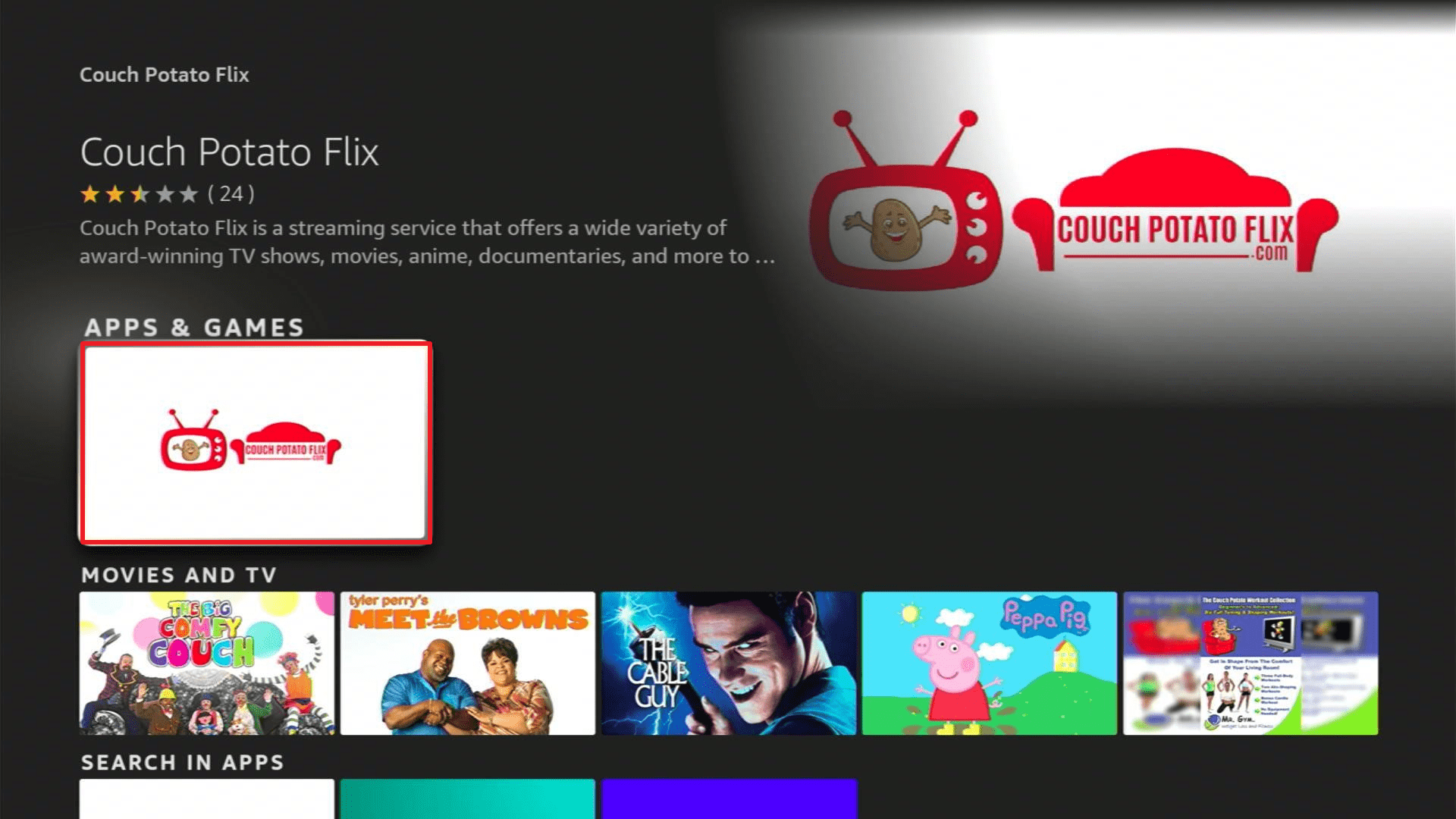
5. Select “Get”.
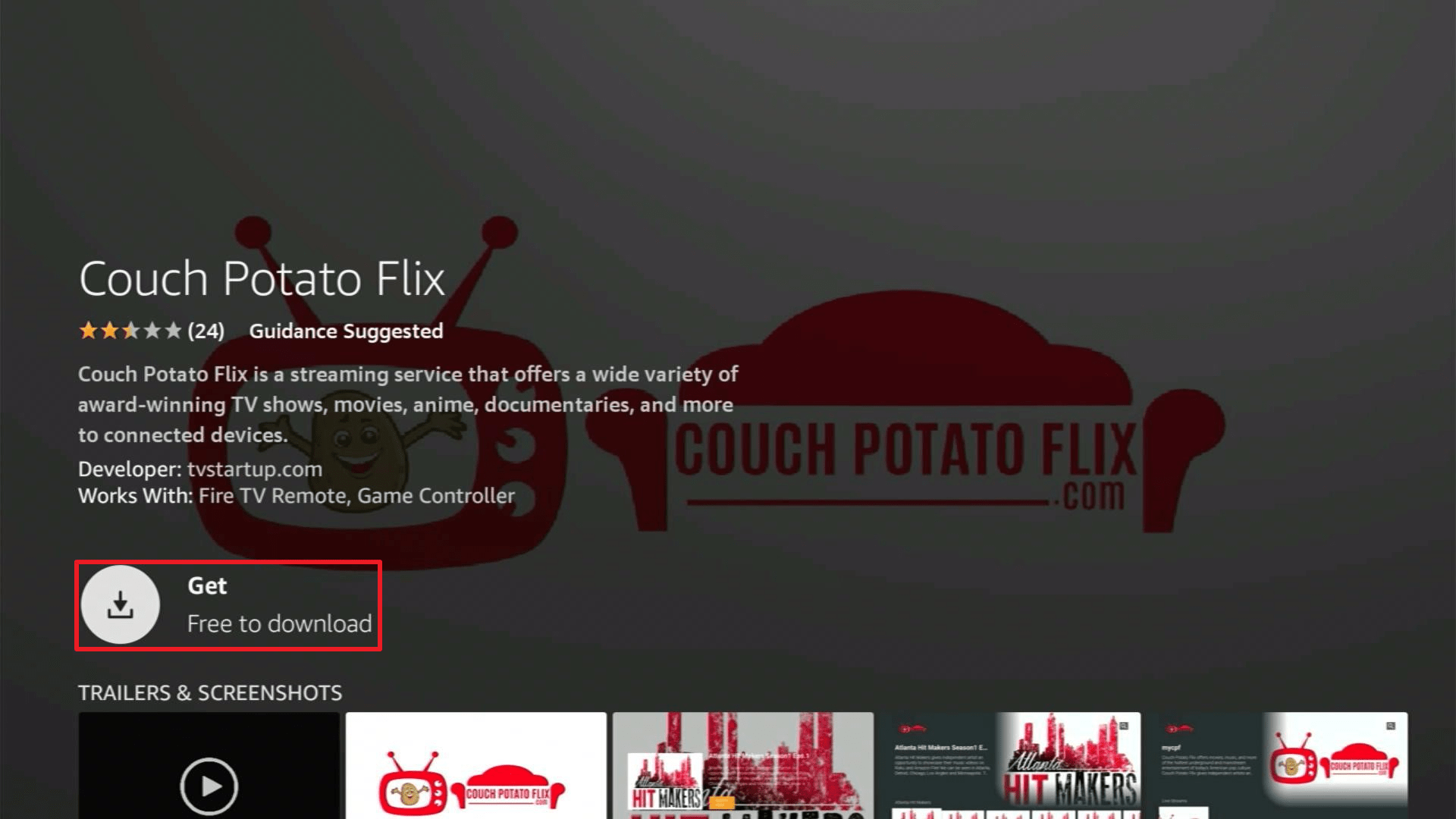
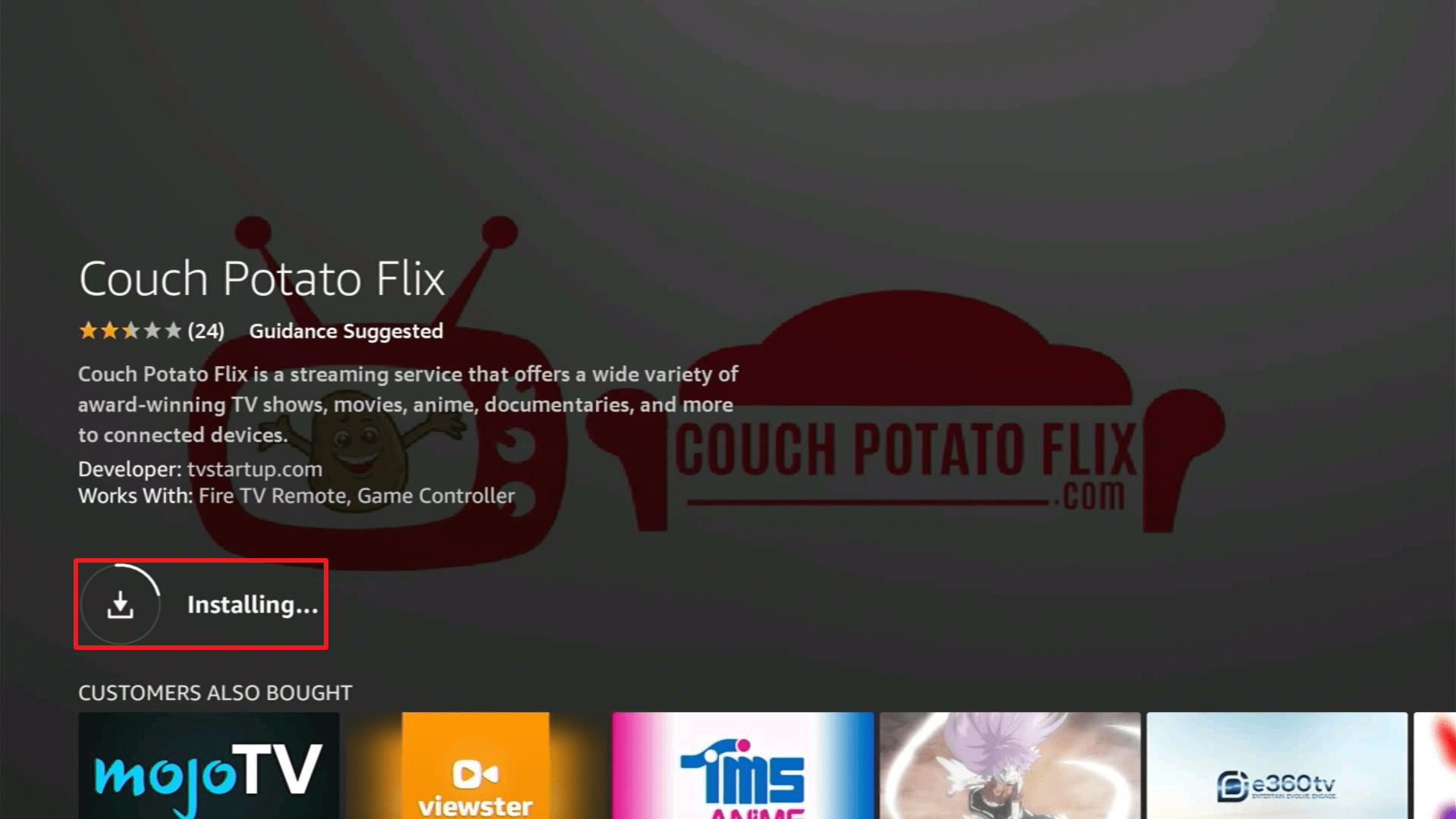
6. Then wait for the app to be installed.
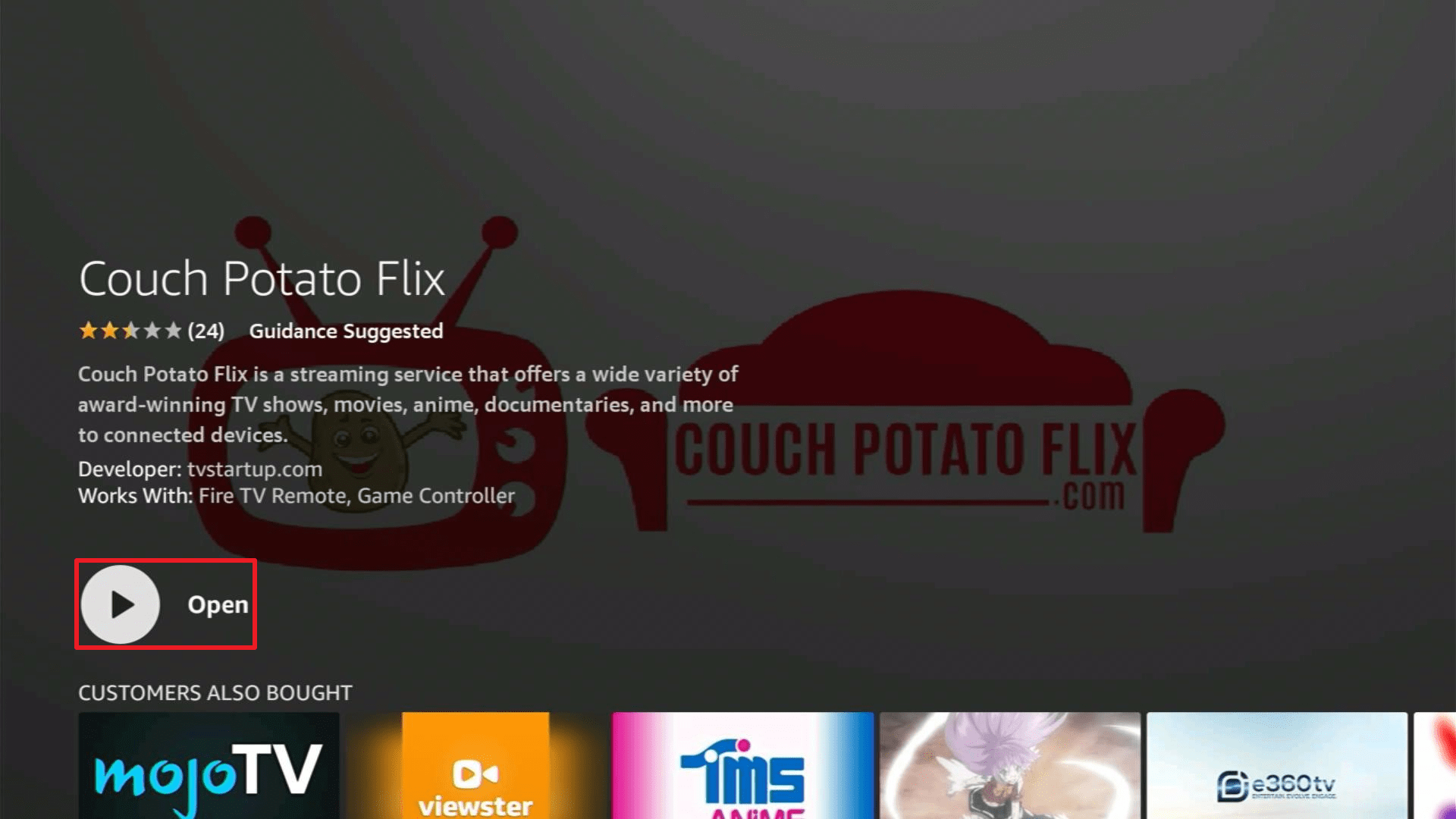
7. Once done, click “Open” to launch the app.
ReviewVPN cannot attest to the legality, security and privacy of the applications discussed on this site. It is highly recommended that you use a VPN service while streaming or using Kodi. Currently, your IP 216.73.217.24 is visible to everyone and your Browser is being tracked by Advertisers & ISP Provider. Here are the main reasons why you must use a VPN: A VPN works be replacing your ISP-assigned IP address and creating an encrypted tunnel. We recommend the no log service offered by IPVanish. It works well on a Firestick and offers the fastest possible speeds.
YOUR INTERNET ACTIVITY IS BEING WATCHED
Legal Disclaimer: ReviewVPN.com does not encourage or endorse any illegal activity involved in the usage of services and applications referenced on this site. We do not verify the licensing agreements of services. The end-user is wholly responsible for ensuring that any media accessed through these services does not violate copyright and/or licensing laws. ReviewVPN does not promote, link to, or receive compensation from any Apps and IPTV services.
Install Surfshark on Firestick

App Features
Interface
- UI is very simple and there are not a lot of commands available.
- There are 2 live stream thumbnails that you will immediately see on the Homescreen (Couch Potato Flix & Live Stream 2).
- Aside from the live streams, the Couch Potato Flix has content for Movies, Whazz Going Down Starring Lyrasis, Poolside Cooking, Atlanta Hit Makers, Couch Potato Comedy, Anonymous TV, T.D. Jakes, and Petra International Ministries.
- Movies have synopsis available for reading once you’ve clicked on them.
- You have the option to “Resume Playback” or “Watch From Beginning” when you pause a movie.
- The app has a search function.
- It doesn’t have settings.
Video Quality
Videos are in HD & SD quality depending on the content that you are streaming
Playing Speed
Videos take some time to load depending on the speed of your internet connection
Pros and Cons
Pros
- 100% Free
- They have HD quality content
- Their content is not mainstream
- The app is easy to install through the Amazon Appstore
- It is legal and verified
- No need for registration
- There is no subscription
Cons
- There are no settings
- No option for subtitle enabling
- You’ll experience buffering when streaming videos
- It has ads
Secure streaming with a VPN
We all know that streaming and accessing public content online exposes us to risks in data privacy and security. Our data information might get stolen easily by phishers and hackers without us even knowing when it’s happening. And with that, they can use this stolen data for monetary threats especially nowadays as most of our transactions are online and cashless due to COVID-19. So for us to have a more secured online activity, we’ll need to have a VPN turned on while using our devices for streaming and web browsing. A VPN like Surfshark gives you the following benefits:
- Conceals your real IP address by giving you an anonymous one
- Encrypts your connection to keep your online activity private
- Helps you maintain your personal information and private
Aside from that, you can also enjoy the following advantages by using a VPN:
- You can access geo-restricted contents and websites by using an IP address from 60+ different countries
- You can avoid ISP throttling since your online activity cannot be tracked by your Internet Service Provider
- Unlimited streaming is guaranteed without lags and buffers
- You can download any content that you would like to download without the fear of reaching your data cap
Note: For more information about SurfShark, please read our SURFSHARK REVIEW.
How to Install Surfshark VPN on Firestick
If your Firestick still has the older interface, read this article to learn how to update it: Update Firestick Interface.
1. Go to the Home screen of your Firestick.

2. Navigate towards the Find tab. Press the Search button from the resulting dropdown.

3. Type in the keyword of SurfShark and select from the suggestions that will appear.

4. Click the official SurfShark icon from your search results.

5. Press the Download (You own it) button.

6. The SurfShark VPN installer will download on your device.

7. SurfShark VPN’s app will automatically install itself on your Fire TV stick.

8. Press the Open button after completing SurfShark VPN’s installation process.

9. Please wait for the SurfShark VPN to load its user interface.

10. You can now log in with your SurfShark VPN account credentials.

Learn more about Surfshark and Grab the Best Surfshark Deal Now!



For more VPN discounts, go to ReviewVPN Deals and purchase the best VPN for you.
Grab the Best Surfshark Deal Now!
Click here to get the lowest price on Surfshark through our exclusive limited-time offer.
FAQs
Is it safe?
Yes, Couch Potato Flix is safe. But if you want to take the extra measure to ensure that your streaming is safe and secured, we recommend you have a VPN like Surfshark.
Is it legal?
Yes, Couch Potato Flix is legal and you can find it on the Amazon Appstore.
Is it free?
Yes, Couch Potato Flix is 100% free.
Is there a need for registration?
No, there’s no need for registration so you can directly browse the app after the installation.
How long has it been around?
Couch Potato Flix has been released in April 2020.
Conclusion
Couch Potato Flix is not your usual streaming app because its content is different from other streaming apps available online.
They have unique content that people who like indie and underground content will certainly like and appreciate.
Though this app has a different target market, I can still say that Couch Potato Flix is worth a try if you want to browse and access a different variety of content.
They have inspirational talks and stories, cooking shows, comedies, and movies that you can enjoy for free and without the hassle of having to register.
Thank you for taking the time to read our article. We hope we were able to help you install and navigate Couch Potato Flix.
We also tried our best to give you a glimpse of how the app works so we hope you also find it helpful. Enjoy streaming!






